
Google Pixel October 2026 Update Fixes 3 Bugs and Critical Security Flaws — Should You Install It?
Google’s October 2026 Pixel update fixes a missing keyboard, VoIP audio distortion and Pixel 11 photo rotation while adding critical security patches.
Contents
- Which Pixel phones are getting the October 2026 update?
- Fix #1: the virtual keyboard sometimes does not appear
- Fix #2: VoIP ringtone noise or distortion
- Fix #3: Pixel 11 photos or videos saved in the wrong orientation
- The security fixes are the bigger reason to update
- Should you install the update now?
- How to install the October Pixel update
- How to confirm the security patch installed
- Why you may not see the update yet
- What if the update will not download?
- Will the update increase battery drain?
- Is this Android 17 QPR1 for Pixel 11?
- What about Pixel 6 and Pixel 6 Pro?
- What the October update does not necessarily fix
- A quick before-and-after checklist
- Before updating
- After updating
- Frequently asked questions
- When did the Pixel October 2026 update start rolling out?
- What security patch level does it install?
- Does it fix the missing keyboard bug?
- Does it fix VoIP audio distortion?
- Does it fix wrong photo rotation on Pixel 11?
- Are there Critical security fixes?
- Why do I not have the update yet?
- Should I install it immediately?
- The bottom line
- Sources
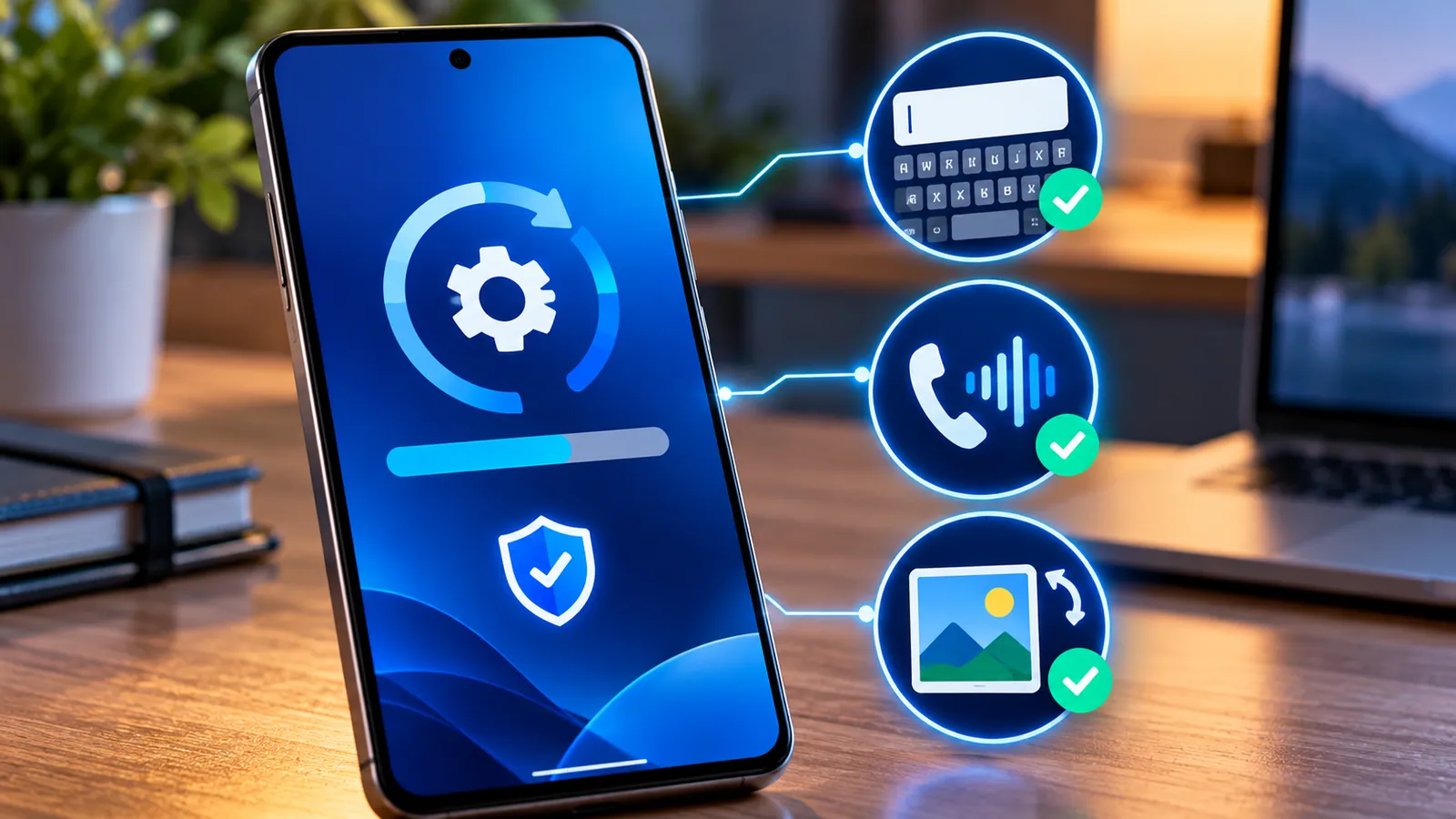
Last reviewed: October 10, 2026. Google is rolling out its October 2026 software update to supported Pixel phones running Android 17, and this month’s release is more important than its short bug-fix list might suggest.
The update fixes three user-facing problems: a keyboard that can fail to appear in search fields, audio noise or distortion during some VoIP calls, and Pixel 11 photos or videos occasionally saving in the wrong orientation.
It also brings the October 5, 2026 security patch level. Google’s dedicated Pixel security bulletin lists six Pixel-specific vulnerabilities, including three rated Critical, while the broader October Android bulletin includes another Critical System vulnerability.
Google says the rollout started on October 6 and will continue in phases depending on device and carrier, so two owners of the same Pixel model may receive the update on different days.
Which Pixel phones are getting the October 2026 update?
Google says all supported Pixel devices running Android 17 are receiving the October update.
- Pixel 6, Pixel 6 Pro and Pixel 6a.
- Pixel 7, Pixel 7 Pro and Pixel 7a.
- Pixel Fold and Pixel Tablet.
- Pixel 8, Pixel 8 Pro and Pixel 8a.
- Pixel 9, Pixel 9 Pro, Pixel 9 Pro XL, Pixel 9 Pro Fold and Pixel 9a.
- Pixel 10, Pixel 10 Pro, Pixel 10 Pro XL, Pixel 10 Pro Fold and Pixel 10a.
- Pixel 11, Pixel 11 Pro, Pixel 11 Pro XL and Pixel 11 Pro Fold.
The exact build number depends on the model and, in some cases, the carrier. Most users do not need to compare build numbers manually unless they are troubleshooting a delayed rollout or sideloading firmware.
Fix #1: the virtual keyboard sometimes does not appear
The first functional fix addresses a problem where the virtual keyboard can occasionally fail to appear when a user taps a search input field.
Google’s device mapping indicates this fix applies to Pixel 8 and newer supported models through the Pixel 11 family.
If you have experienced a search box becoming active while the keyboard never opens, this update directly targets that problem.
Before the fix, users could often recover by tapping the field again, switching apps or reopening the screen. The October patch is meant to correct the underlying issue instead of relying on workarounds.
Fix #2: VoIP ringtone noise or distortion
The second fix targets occasional audio noise or distortion in the ringtone during certain VoIP calls.
According to the published device mapping, this fix applies to Pixel 8, Pixel 9 and Pixel 10 families, including their Pro, Fold and A-series variants. The Pixel 11 series is not listed for this particular fix.
VoIP means internet-based calling rather than a traditional carrier voice call. Depending on the app, that can include calls through messaging, meeting or social apps.
If the distortion happened only on internet calls while normal carrier calls sounded fine, the October update is especially relevant.
This is separate from the recent Google Messages RCS media problem. If photos or videos fail to send in Messages, see Google Messages RCS Not Sending Photos or Videos?
Fix #3: Pixel 11 photos or videos saved in the wrong orientation
The third functional fix is specific to the Pixel 11 family.
Google says the update fixes an issue that could occasionally cause captured photos or recorded videos to save in the incorrect orientation.
- Pixel 11.
- Pixel 11 Pro.
- Pixel 11 Pro XL.
- Pixel 11 Pro Fold.
Orientation errors can become annoying when files are shared, edited or uploaded to social platforms because different apps may interpret rotation metadata differently.
The security fixes are the bigger reason to update
The visible bug fixes are useful, but security is the strongest reason to install this update promptly.
Google’s Pixel Update Bulletin says devices updated to the 2026-10-05 security patch level include fixes for all issues in the October Pixel bulletin plus the October Android Security Bulletin.
The Pixel-specific bulletin lists six additional vulnerabilities. Three are rated Critical:
- CVE-2026-55330 — Critical elevation-of-privilege issue in Bluetooth.
- CVE-2026-56952 — Critical elevation-of-privilege issue in GDMC.
- CVE-2026-55307 — Critical information-disclosure issue in GSA.
The broader Android October bulletin also describes a Critical System vulnerability that could allow local elevation of privilege without additional execution privileges, with no user interaction needed for exploitation.
A Critical rating does not mean every Pixel owner is actively being attacked, but it does mean Google considers the potential impact serious enough that staying patched is the safer choice.
Should you install the update now?
For most users, yes. This is a stable monthly update, not a beta build.
The combination of Critical security fixes and three functional corrections gives a normal personal Pixel owner little reason to delay once the update is offered through Settings.
Waiting a day or two can still make sense if your phone is mission-critical for work, you are traveling, or your employer controls device updates.
How to install the October Pixel update
Google recommends using Wi-Fi and charging the device to at least 75% before updating.
- Open Settings.
- Tap System.
- Open Software updates or System update.
- Check for an available update.
- Download and install it.
- Restart the phone when prompted.
Pixel phones can prepare Android updates in the background. The installed update becomes active after a restart.
How to confirm the security patch installed
- Open Settings.
- Go to About phone.
- Open Android version.
- Check Android security update.
For this release, the security patch level should show October 5, 2026 or later.
The same screen also shows the Android version, Google Play system update and build number.
Why you may not see the update yet
Google is rolling the update out in phases, so availability varies by device and carrier.
If someone else already has it and you do not, that does not automatically mean your phone is unsupported.
- Restart the phone.
- Connect to reliable Wi-Fi.
- Open Settings > System > Software updates.
- Check again later in the day or over the next few days.
- Make sure your phone is running the latest Android version available to it.
Google says the rollout continues over roughly the week following October 6.
What if the update will not download?
Google says a failed system update will normally try again automatically over the following days.
If the download stalls, check battery level, Wi-Fi and free local storage before doing anything more drastic.
If your Google account storage is also full, see Why Is My Google Storage Suddenly Full?. Phone storage and Google account storage are different, but both can create confusing warnings.
Do not factory-reset a Pixel simply because a monthly update fails once. Restarting, retrying and checking storage are safer first steps.
Will the update increase battery drain?
A short period of extra battery use after updating can be normal.
Google’s Pixel help documentation says battery usage can temporarily rise while the phone downloads, optimizes and sets up new software.
Give the phone some time after the restart before judging battery life. If unusually high drain lasts for several days, check Battery usage for a specific app or process.
Is this Android 17 QPR1 for Pixel 11?
No. The Pixel 11 family still does not receive the full Android 17 QPR1 package with this October release.
Pixel 11 devices launched with the base Android 17 release, while most older supported Pixels received QPR1 in September.
The October Pixel 11 update still includes the keyboard and photo-orientation fixes, but it does not bring the full QPR1 feature set.
What about Pixel 6 and Pixel 6 Pro?
Google explicitly includes Pixel 6 and Pixel 6 Pro in the October 2026 rollout list.
Because they are older devices, owners should follow Google’s official support schedule rather than assuming monthly updates will continue indefinitely.
For this month, however, both models are officially listed as receiving the update.
What the October update does not necessarily fix
The published functional changelog is narrow, so do not assume every Pixel problem disappears after installing it.
- RCS media failures in Google Messages.
- Third-party app crashes unrelated to the keyboard fix.
- Carrier signal or SIM activation issues.
- Battery drain caused by a specific app.
- Google Photos sync problems.
- Unrelated Bluetooth accessory problems.
Installing the latest stable update is still a good first troubleshooting step, but unrelated symptoms should be diagnosed separately if they remain.
A quick before-and-after checklist
Before updating
- Charge the phone to at least 75%.
- Use reliable Wi-Fi.
- Back up important photos and files.
- Save work in progress.
- Check that local storage is not critically low.
After updating
- Restart the phone if needed.
- Confirm the October 5, 2026 security patch level.
- Test the search keyboard if it previously failed to appear.
- Make a VoIP call if you previously heard ringtone distortion.
- On Pixel 11, capture portrait and landscape photos/videos and confirm they save correctly.
- Update apps through Google Play.
Frequently asked questions
When did the Pixel October 2026 update start rolling out?
Google says rollout began on October 6, 2026 and is continuing in phases depending on carrier and device.
What security patch level does it install?
Supported Pixel devices receive the October 5, 2026 security patch level.
Does it fix the missing keyboard bug?
Yes. Google lists a fix for the virtual keyboard occasionally not appearing in search input fields on Pixel 8 and newer supported models through the Pixel 11 family.
Does it fix VoIP audio distortion?
Yes, for the Pixel 8, Pixel 9 and Pixel 10 families listed in Google’s device mapping. Pixel 11 devices are not listed for that specific fix.
Does it fix wrong photo rotation on Pixel 11?
Yes. Google lists that fix specifically for Pixel 11, Pixel 11 Pro, Pixel 11 Pro XL and Pixel 11 Pro Fold.
Are there Critical security fixes?
Yes. Google’s Pixel bulletin lists three Pixel-specific vulnerabilities rated Critical, in addition to issues addressed by the broader Android October bulletin.
Why do I not have the update yet?
The rollout is phased and can vary by model and carrier. Check Settings > System > Software updates and try again later if it is not available.
Should I install it immediately?
For most personal Pixel users, yes. It is a stable monthly release with important security fixes and useful bug corrections.
The bottom line
The October 2026 Pixel update is not a huge feature release, but it is worth installing. The user-facing fixes address missing keyboards, VoIP audio distortion and incorrectly rotated Pixel 11 media, while the security patch closes several High and Critical vulnerabilities.
If the update appears in Settings, most users should install it, restart the phone and confirm that the security patch level is October 5, 2026 or later.
If it has not appeared yet, wait for the phased rollout rather than forcing anything. Google says availability depends on the carrier and device.
Sources
Google Pixel Community — Google Pixel Update, October 2026.
Android Open Source Project — Pixel Update Bulletin, October 2026.
Android Open Source Project — Android Security Bulletin, October 2026.
Google Pixel Help — Check and update your Android version.
9to5Google — Android 17 October update rolling out with three Pixel fixes.
You may also like
 Technology & How-To
 Google Find Hub Trackers Get NFC Support — How to Identify Lost Tags and Set Left-Behind Reminders
Google Play services v26.39 adds NFC support for compatible Find Hub tracker tags and a new setup flow…
 Technology & How-To
 Android 17 Advanced Protection Adds 6 Powerful Security Features — Should You Turn It On?
Android 17 expands Advanced Protection with encrypted intrusion logs, USB protection, accessibility restrictions, WebGPU blocking and stronger authentication…
 Technology & How-To
 Chrome 155 Security Update Fixes 247 Vulnerabilities — How to Update Chrome Now
Google Chrome 155 includes 247 security fixes, including four Critical vulnerabilities. Here’s how to update on Windows, Mac,…