
Windows 11 Apps or Games Crashing After KB5124010? Microsoft Confirms an AC-3 Audio Bug
Microsoft has confirmed that KB5124010 and later Windows 11 updates can make some games and apps crash when they use Windows' built-in AC-3 audio decoder.
Contents
- What exactly is the KB5124010 bug?
- Which Windows 11 versions are affected?
- How to check whether KB5124010 was installed
- How to tell whether your crash matches the AC-3 issue
- Why only some games and apps are affected
- First step: install any newer Windows update offered
- Update the affected game or application
- Try a different audio mode
- Try another audio output
- Should you update audio drivers?
- Should you uninstall KB5124010?
- Do not install random codec packs
- Is this the same as other Windows 11 audio bugs?
- What if the game crashes before you hear any sound?
- What if only one game is affected?
- What if a media player crashes when opening a video?
- How to check whether a media file uses AC-3
- A safe troubleshooting order
- What Microsoft says about a permanent fix
- Frequently asked questions
- What is KB5124010?
- Which Windows versions are affected?
- Which applications are affected?
- Can the bug make a game crash when music starts?
- Is Microsoft working on a fix?
- Should I uninstall the update?
- Will upgrading from 24H2 to 25H2 or 26H2 fix it?
- The bottom line
- Sources
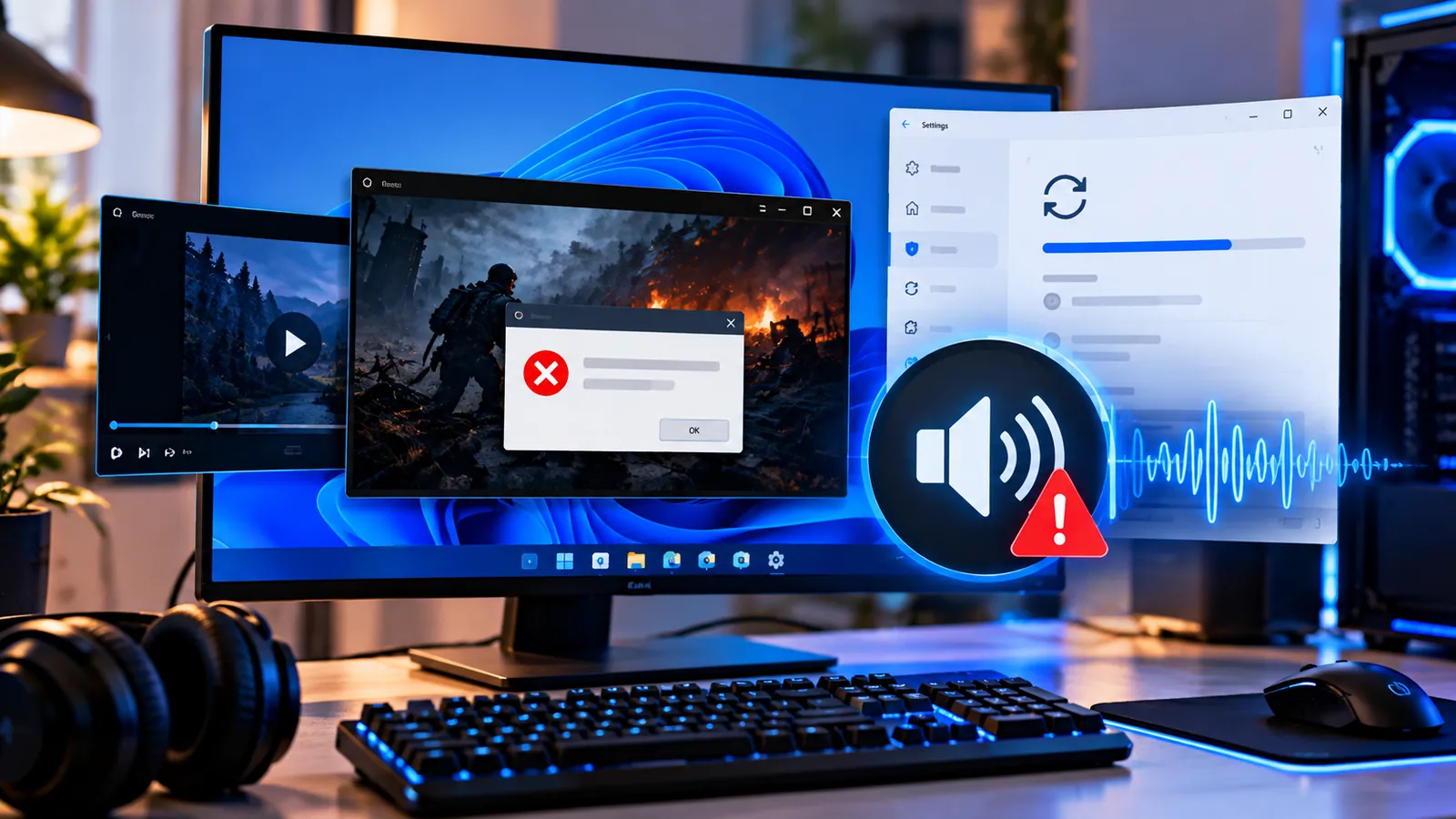
Last reviewed: October 10, 2026. If a game, media player or productivity app started crashing after the September Windows 11 preview update, Microsoft has now confirmed a specific bug that may explain it.
Microsoft says that after installing KB5124010, released on September 22, 2026, and later updates, some applications that rely on Windows’ built-in AC-3 (Dolby Digital) audio decoder can fail to launch or close unexpectedly.
The issue affects Windows 11 versions 24H2, 25H2 and 26H2. Microsoft says many modern applications are not affected because they use their own audio-decoding components instead of Windows’ built-in decoder.
There is no universal permanent fix yet. Microsoft says it is working on a resolution for a future Windows update, so the safest approach is to confirm whether your symptoms actually match this issue before removing updates or changing unrelated settings.
What exactly is the KB5124010 bug?
The problem is tied to applications that require Windows to decode AC-3 audio, commonly known as Dolby Digital.
Microsoft says affected applications may fail in different ways:
- An app or game may fail to launch.
- It may open normally and then close without warning.
- It may crash only when a specific audio feature is used.
- It may run until music, a cutscene, surround audio or another AC-3-dependent feature starts.
That is why the bug can be confusing: two PCs with the same update may behave differently depending on the software and its audio engine.
Which Windows 11 versions are affected?
Microsoft lists the confirmed issue on Windows 11 24H2, 25H2 and 26H2. The originating update is KB5124010, but Microsoft says the problem can also be present in updates released after it.
If you are still on Windows 11 24H2 Home or Pro, remember that version is also reaching its servicing deadline. See our guide Windows 11 24H2 Support Ends October 13 — What Home and Pro Users Need to Do before making long-term update decisions.
How to check whether KB5124010 was installed
- Open Settings.
- Go to Windows Update.
- Select Update history.
- Look for KB5124010 under quality or preview updates.
If you do not see KB5124010 but you installed a newer cumulative update afterward, the affected code may still be present because Microsoft’s notice applies to KB5124010 and later updates.
How to tell whether your crash matches the AC-3 issue
Your problem is more likely to match Microsoft’s confirmed bug if the timing and trigger look like this:
- The app worked before the late-September Windows update.
- The software is a game, media player or productivity application with audio playback.
- The crash happens when music, video, Dolby Digital or surround audio starts.
- The app opens but closes when a specific audio-related feature is used.
- Most unrelated applications continue working normally.
The issue is less likely to be the cause if every program crashes, Windows blue-screens, the PC powers off unexpectedly, or the problem has no connection to audio activity.
Why only some games and apps are affected
AC-3 is a compressed audio format associated with Dolby Digital. Applications can decode it in different ways.
Some software relies on Windows’ built-in decoder, while other apps include their own multimedia framework or codec libraries.
Microsoft says the current bug primarily affects applications that depend on the Windows decoder and that many modern applications therefore will not encounter it.
This is also why Microsoft has not published a complete list of affected games or programs.
First step: install any newer Windows update offered
Because Microsoft is preparing a resolution, check Windows Update before trying disruptive fixes.
- Open Settings > Windows Update.
- Select Check for updates.
- Install any newer cumulative update offered for your supported Windows version.
- Restart the PC.
- Test the affected application again.
As of October 10, Microsoft’s issue page still lists the bug as confirmed and says a resolution is being developed. Do not assume the issue is fixed unless Microsoft changes the status or a newer update specifically lists the resolution.
Update the affected game or application
Check the software vendor’s launcher, updater or official download page. A developer may be able to avoid the affected Windows decoding path or ship a compatibility fix before Microsoft’s OS-level fix reaches every device.
This is especially useful for older games and media players that depend more heavily on legacy Windows multimedia components.
After updating, reproduce the same action that previously caused the crash.
Try a different audio mode
If the app offers its own audio options, try switching from Dolby Digital or surround sound to stereo or another available format.
This is not an official universal workaround from Microsoft, but it is a useful diagnostic because the confirmed problem is specifically tied to AC-3 decoding.
If the program becomes stable after disabling one audio feature, that is a strong clue that your crash matches Microsoft’s issue.
Try another audio output
If your PC has several outputs, such as built-in speakers, HDMI audio, USB headphones or Bluetooth, test another device.
A successful test does not prove the original hardware is faulty. Different outputs can cause applications to use different audio paths or formats.
This step is useful for isolating the problem before making system-wide changes.
Should you update audio drivers?
Updating official audio drivers is reasonable general troubleshooting, especially if you also have missing devices, crackling, or driver errors.
However, Microsoft’s KB5124010 issue is a Windows AC-3 decoding problem, not simply a bad Realtek, Intel, AMD, NVIDIA or USB audio driver.
So a driver update may fix a separate sound problem but is not guaranteed to solve this specific crash.
Prefer drivers from Windows Update or the PC/motherboard manufacturer’s official support page rather than random driver-download websites.
Should you uninstall KB5124010?
KB5124010 was released as a preview update. If you deliberately installed that optional preview and a critical app began crashing immediately afterward, rolling it back may be reasonable as a temporary troubleshooting step.
But there are several cautions:
- Microsoft says later updates can also contain the issue, so removing only KB5124010 may not help on a newer build.
- Do not casually remove a newer security update just to test this bug.
- Work and school PCs should follow their IT department’s update policy.
- Back up important files before rolling back system updates.
If Windows still offers removal for the preview update, you can check Settings > Windows Update > Update history > Uninstall updates. If the update has been superseded or cannot be removed, wait for the official fix rather than using risky system modifications.
Do not install random codec packs
Seeing the words ‘AC-3 decoder’ can make a third-party codec pack sound like the obvious fix. It is not a good first response.
Microsoft has confirmed the problem in Windows’ own decoding path. Unknown codec bundles can add conflicts, alter file associations or introduce unnecessary security risk.
If the affected application has a reputable built-in alternative decoder, use that option. Otherwise, prefer an application update or Microsoft’s Windows fix.
Is this the same as other Windows 11 audio bugs?
No. There have been several different Windows audio problems around recent updates.
The issue covered here specifically causes applications using AC-3 decoding to close unexpectedly. A separate sound problem might instead cause:
- No sound from the whole PC.
- An audio device missing from Device Manager.
- A Code 10 device error.
- Sound Settings freezing or becoming unresponsive.
- Crackling or distortion while the application remains open.
If your app never crashes and Windows simply has no sound, the KB5124010 AC-3 issue may not be the right diagnosis.
What if the game crashes before you hear any sound?
It can still potentially match Microsoft’s description because Microsoft says some affected apps may fail to launch.
A game can initialize its audio decoder during startup before you hear music or effects.
Still, game crashes have many other causes, including GPU drivers, anti-cheat software, damaged files, overlays, mods, unstable overclocks and missing runtimes. Do not blame every crash on KB5124010.
What if only one game is affected?
That is entirely possible because games use different audio engines.
Start with the game’s own update and repair/verify feature, then test its audio settings. If other programs are stable and the developer acknowledges the same Windows problem, follow the developer’s workaround rather than changing the whole PC.
If the game has a launcher, use its built-in file verification option before reinstalling the entire title.
What if a media player crashes when opening a video?
That can fit the confirmed bug especially well when the video contains an AC-3 audio track.
Try another file that uses AAC, MP3 or a different audio format. If ordinary files work but AC-3 content repeatedly crashes the player, the connection to Microsoft’s issue becomes much stronger.
A reputable player that uses its own decoder may work temporarily, but that does not repair the Windows component itself.
How to check whether a media file uses AC-3
Many media players include a file-information or codec-details panel. Look for labels such as AC-3, Dolby Digital or sometimes A52.
If the same player only crashes with files using that format, you have a useful diagnostic clue.
There is usually no need to convert your entire media library just because of a temporary Windows bug.
A safe troubleshooting order
- Confirm your Windows version and recent update history.
- Install any newer Windows update that is offered.
- Update the affected game or application.
- Note whether the crash happens during audio playback.
- Try a different audio mode or output device.
- Test another file or another application.
- Update official audio drivers if relevant.
- If you installed the optional KB5124010 preview and the issue is severe, consider whether rollback is appropriate.
- Wait for Microsoft’s official fix if the symptoms clearly match the confirmed issue.
What Microsoft says about a permanent fix
Microsoft’s current documentation says it is working on releasing a resolution in a future Windows update and will update the issue page when more information is available.
That means there is no Microsoft-published permanent manual fix yet.
Treat guides promising a universal registry edit, codec download or driver trick with caution until Microsoft publishes the actual resolution.
Frequently asked questions
What is KB5124010?
KB5124010 is a Windows 11 preview update released on September 22, 2026. Microsoft later confirmed an AC-3 audio-decoding bug associated with it and later updates.
Which Windows versions are affected?
Microsoft lists the issue for Windows 11 24H2, 25H2 and 26H2.
Which applications are affected?
Microsoft says the issue can affect games, media players and some productivity applications. It has not published a complete list.
Can the bug make a game crash when music starts?
Yes. Microsoft specifically says some apps can work normally until an audio feature such as music playback is used.
Is Microsoft working on a fix?
Yes. Microsoft says a resolution is planned for a future Windows update, but as of October 10 the issue remains confirmed.
Should I uninstall the update?
Not automatically. If you installed the optional preview and the issue began immediately afterward, rollback can be considered, but later updates may also contain the bug.
Will upgrading from 24H2 to 25H2 or 26H2 fix it?
Not necessarily. Microsoft lists the same AC-3 issue on all three versions, so changing Windows version alone is not a guaranteed fix.
The bottom line
If a Windows 11 game or application began closing unexpectedly after KB5124010, especially when music or Dolby Digital audio is used, your symptoms may match a bug Microsoft has officially confirmed.
The issue affects 24H2, 25H2 and 26H2 but only certain applications that rely on Windows’ built-in AC-3 decoder. Many modern apps are unaffected.
Update Windows and the affected software first, test alternative audio settings if available, and avoid random codec packs or risky system tweaks. Microsoft is working on a proper fix, so the safest long-term solution is likely to arrive through Windows Update.
Sources
Microsoft Support — KB5124010 preview update and known issues.
Microsoft Learn — Windows 11 24H2 known issues.
You may also like
 Technology & How-To
 Google Find Hub Trackers Get NFC Support — How to Identify Lost Tags and Set Left-Behind Reminders
Google Play services v26.39 adds NFC support for compatible Find Hub tracker tags and a new setup flow…
 Technology & How-To
 Android 17 Advanced Protection Adds 6 Powerful Security Features — Should You Turn It On?
Android 17 expands Advanced Protection with encrypted intrusion logs, USB protection, accessibility restrictions, WebGPU blocking and stronger authentication…
 Technology & How-To
 Google Pixel October 2026 Update Fixes 3 Bugs and Critical Security Flaws — Should You Install It?
Google’s October 2026 Pixel update fixes a missing keyboard, VoIP audio distortion and Pixel 11 photo rotation while…