
UKVI Account Login Not Working: Recover Access to Your eVisa
Practical official guide to UKVI account login not working: troubleshooting steps, GOV.UK links, required details and safe ways to get help.
Contents
- Introduction
- Find out whether you already have a UKVI account
- Check which identity document you originally used
- No access to your email or phone
- The verification message does not arrive
- You signed in but your eVisa is missing
- When the identity-check app fails
- Avoid these common mistakes
- Step-by-step recovery checklist
- Understand the difference between your account and your immigration status
- Prepare before troubleshooting
- A safe way to document the problem
- If you are travelling soon
- How to get official help
- Privacy and accessibility
- Official government sources
Introduction
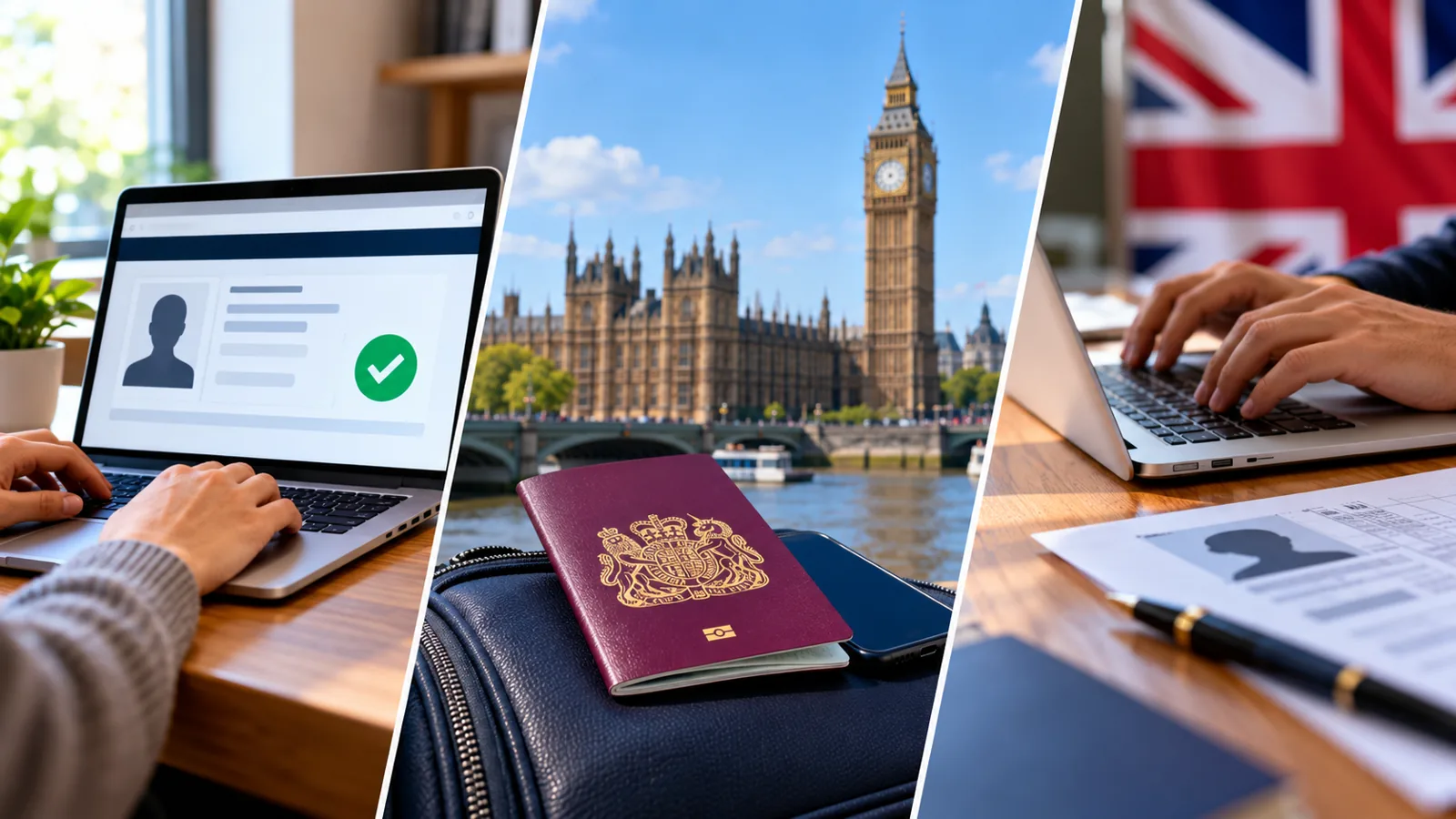
If you are searching for “UKVI account login not working”, the first step is to identify exactly where the process breaks. UK immigration status is now commonly accessed through an online UKVI account and eVisa. This guide explains the official routes, what documents you may need, how to avoid confusing an account problem with a visa-record error, and how to escalate a problem safely. Information is based on GOV.UK guidance checked in October 2026; online service screens may change.
Find out whether you already have a UKVI account
People who used the UK Immigration: ID Check app, created an account during a visa application, replaced a BRP with an eVisa, or applied to the EU Settlement Scheme may already have an account. GOV.UK advises that you should not create another account if one exists. Try the official sign-in route before attempting a new registration.
Check which identity document you originally used
UKVI sign-in can use a passport, national identity card, BRC, expired BRP, or UKVI customer number, depending on your account. Using a newer passport number that has not been added to the account may cause confusion. Check the details in your original account confirmation and use the identity information associated with your account.
No access to your email or phone
If you changed your number, lost your phone, or cannot access the registered email address, use the official UKVI account-recovery service linked from the GOV.UK eVisa pages. This is a recovery issue, not a reason to file a new visa application. Follow the identity verification instructions and keep a record of your recovery request.
The verification message does not arrive
Check the registered contact method, your inbox and spam folder, network reception, and whether you are using the latest code. Avoid repeatedly entering old one-time codes or sharing them with anyone. If the registered contact is no longer available, switch to the official recovery process instead of relying on unofficial workarounds.
You signed in but your eVisa is missing
Account access and eVisa linking are separate steps. GOV.UK says you cannot access your eVisa until it has been linked to your UKVI account. Follow the account setup and linking guidance. If the account is linked but a technical error stops the eVisa appearing, report an eVisa error.
When the identity-check app fails
The UKVI account setup process may require a smartphone app to confirm identity. GOV.UK says alternative identity confirmation routes exist for people without a valid passport or expired BRP, or who cannot access a smartphone or use the app. Use the alternatives described on the official setup page rather than assuming your application is permanently blocked.
Avoid these common mistakes
Do not create duplicate UKVI accounts, use a third-party login page, give anyone a verification code, or assume that changing your password will fix a wrong immigration status. If you can sign in but the visa information itself is incorrect, use the error-reporting service. If you simply changed your passport or contact details, use the account-update service.
Step-by-step recovery checklist
Open the official UKVI eVisa sign-in page; identify your original identity document; confirm your registered email or phone; try the official sign-in flow; use account recovery if the verification method is unavailable; complete account linking if prompted; verify your eVisa details; contact UKVI using the official help links if the problem remains.
Understand the difference between your account and your immigration status
A UKVI account is the secure sign-in used to access your digital immigration record. Your eVisa is the digital record of your immigration permission and conditions. A share code lets a third party check selected information for a particular purpose. Fixing a sign-in problem does not change your underlying immigration permission; likewise, updating a passport in the account does not amend the visa decision itself.
Prepare before troubleshooting
Have the passport or other identity document linked to your UKVI account, your date of birth, and access to your registered email or phone. If available, keep your UKVI customer number, application reference, and any official correspondence nearby. Do not send your password, one-time code, or scans of identity documents to people offering help on social media.
A safe way to document the problem
Record the exact error message, the service you were using, the approximate time, and whether the problem appeared before or after sign-in. Keep screenshots only if they do not expose a share code or sensitive personal data. This helps you explain the issue to official support without guessing what happened.
If you are travelling soon
Check your current passport is linked to your UKVI account and that your eVisa displays the correct status before travelling. The Home Office warns that incorrect details can lead to delays or boarding difficulties. Follow the official travel guidance and seek UKVI assistance promptly if your journey is close; do not assume a screenshot or an old passport will resolve every issue.
How to get official help
Start with the GOV.UK page for your specific issue. Use the account-recovery route for lost sign-in access, the eVisa error-reporting service for wrong digital status or technical display failures, and the account-update service for changed contact or passport details. UKVI webchat and official support videos are linked from these pages. Never pay a third-party website to generate a share code.
Privacy and accessibility
A share code is not a password, but it grants limited access to personal immigration information when combined with your date of birth. Give it only to the person or organisation that needs it. Someone you trust may assist you with official services, but account details should remain under your control. GOV.UK also explains ways to help people who cannot use the internet independently.
Official government sources
The following primary sources explain the services and their limits. Use these government links directly rather than paid intermediaries.
You may also like
 Technology & How-To
 Android Auto Keeps Disconnecting? How to Fix USB and Wireless Dropouts
Android Auto keeps disconnecting? Separate USB, wireless and app failures, check Galaxy USB mode, compare connection methods and…
 Technology & How-To
 Netflix Says Your TV Isn’t Part of the Household? How to Fix It
Fix a Netflix household warning by separating home verification, permanent household updates and temporary travel access, with genuine…
 Technology & How-To
 Google Photos Stopped Backing Up from Your PC? What Changed and How to Fix It
Google Photos stopped backing up your computer folders? Understand the Drive for desktop change, configure browser folder backup…