
Phone Receives Calls but Not SMS Verification Codes? Fix OTP Delivery on Android and iPhone
When your phone can make and receive calls but SMS verification codes never arrive, the mobile line is not necessarily fully configured for every service. Voice calls, ordinary SMS, international or application-generated SMS, and RCS/iMessage are different paths. The fastest fix is to identify which type of message is failing before changing settings or contacting the mobile carrier.
Contents
- First: run a simple three-message test
- Fix 1: Confirm signal, SIM and airplane mode
- Fix 2: Check filtered messages and blocked senders
- Android with Google Messages
- iPhone
- Fix 3: Confirm the phone number and country code on the website
- Fix 4: Stop repeatedly requesting codes
- Fix 5: Distinguish RCS/iMessage from ordinary SMS
- Fix 6: Consider short-code, business-sender or international SMS restrictions
- Fix 7: Troubleshoot separately for Android and iPhone
- On Android
- On iPhone
- What if only bank codes do not arrive?
- Safety: a missing OTP is also a phishing opportunity
- When to contact the mobile operator versus the app
- Frequently asked questions
- Why can I receive calls but not verification texts?
- Will resetting network settings fix missing SMS codes?
- Can I get OTP codes through WhatsApp instead?
- Why do old codes arrive all at once later?
- Official sources
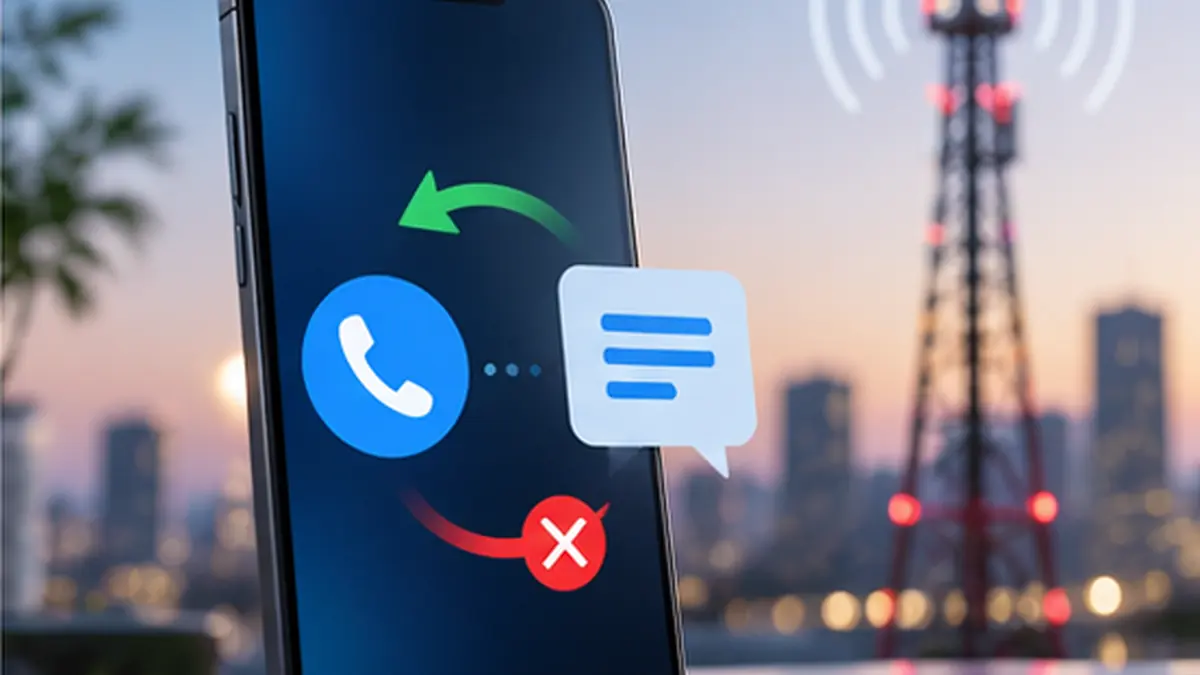
When your phone can make and receive calls but SMS verification codes never arrive, the mobile line is not necessarily fully configured for every service. Voice calls, ordinary SMS, international or application-generated SMS, and RCS/iMessage are different paths. The fastest fix is to identify which type of message is failing before changing settings or contacting the mobile carrier.
Start here: Ask a trusted person to send you a plain SMS, check your Messages spam and blocked folders, confirm the correct active SIM/phone number, restart the device, and wait before requesting another OTP. If ordinary texts arrive but codes from one service do not, focus on that service’s rate limits, registered number and sender restrictions rather than resetting the phone.
First: run a simple three-message test
- Confirm that voice calls work on the exact number you are attempting to verify.
- Ask a trusted person to send an ordinary SMS from a different mobile number. Don’t use a messaging app like WhatsApp for this test.
- If you use multiple SIMs, send the test SMS to the number associated with the failed verification request.
- Check whether the message appears in your SMS inbox, Spam & blocked, Unknown Senders, or another filtered folder.
- Try the OTP from the legitimate service once, after checking the country code and number format.
- Note the exact result and time. An SMS delivered late, never generated by the service, and blocked by the carrier have different causes.
Interpretation: If no ordinary SMS arrives, check device/carrier settings first. If ordinary SMS works and only one banking or sign-in platform fails, the sender’s delivery path or account verification controls become more likely.
Fix 1: Confirm signal, SIM and airplane mode
Disable airplane mode and check that the mobile line is active. On Android, open the SIM/network settings; on iPhone, use Settings > Cellular and verify the intended line is enabled. Restart the phone normally. Wi-Fi access alone does not guarantee receipt of standard carrier SMS, though some carriers support SMS via Wi-Fi Calling under particular conditions.
If you use an eSIM and recently changed phones, SMS provisioning may not have completed despite working calls or data. See our related eSIM transfer troubleshooting guide once it’s available, or contact the operator directly.
Fix 2: Check filtered messages and blocked senders
Android with Google Messages
Open Google Messages, inspect Spam & blocked where available, and verify that the correct messaging app is your default SMS app. Update Google Messages from the official Play Store. Google’s messaging troubleshooting guide explicitly recommends checking the default app, network signal and carrier support.
iPhone
Open Messages and check Filters, Unknown Senders and Spam when shown. Depending on your iOS version, filtering may suppress the notification even when the actual text has arrived. Apple documents these controls in its message filtering guide. If a message is present in a filtered folder, you have a notification/filter problem rather than a carrier delivery failure.
Do not permanently disable useful spam protection just to chase a single missing OTP. Instead check whether a legitimate sender was filtered and use approved restore/mark-as-known controls.
Fix 3: Confirm the phone number and country code on the website
A frequent mistake is entering a local number while the service expects international format, or duplicating a country prefix. Reopen the service’s account settings or verification form and verify:
- The country is correct.
- The number is complete and correctly formatted.
- The number belongs to the SIM/eSIM currently active in the phone.
- An old phone number is not still attached to the account.
- The service is not trying to send the code to an authenticator app, email, push notification or other configured method instead of SMS.
Never try random country-code combinations without understanding the requested format. Follow that service’s published instructions.
Fix 4: Stop repeatedly requesting codes
Many sites apply cooldowns and anti-abuse limits. Requesting several codes in a minute may delay delivery or invalidate earlier codes; policies vary by service. Wait for the countdown or service instructions, then request one fresh code. A delayed older message might arrive after a newer code has replaced it—check the timestamp and use the latest still-valid code only.
Do not keep a login screen open indefinitely or publish one-time codes in a support chat.
Fix 5: Distinguish RCS/iMessage from ordinary SMS
RCS and iMessage use messaging protocols that differ from ordinary carrier SMS. Google and Apple both provide separate troubleshooting for text messaging. A phone receiving RCS through Wi-Fi may still have a separate carrier SMS delivery issue.
On Android, verify Google Messages is the default texting app and that your SIM is properly installed or provisioned. If you recently switched from iPhone to Android, Google’s guidance says to deactivate iMessage for the number if ordinary texts remain routed to Apple’s service. On iPhone, follow Apple guidance to ensure the correct number is enabled under cellular and Messages settings.
These steps help with misrouted personal messages; they do not guarantee a third-party bank or website will send its OTP successfully.
Fix 6: Consider short-code, business-sender or international SMS restrictions
OTP texts often come from automated business senders, short codes or international application-to-person messaging platforms. A carrier may block certain destinations or message classes because of anti-spam protections, account restrictions, local regulations or provisioning errors. Availability varies by network and country.
If ordinary person-to-person SMS arrives but OTP messages from several unrelated companies fail, contact the carrier. Ask them to check incoming short-code / business / international A2P SMS delivery to your number and whether any fraud or spam block applies. Do not assume the phone has a hidden “unblock every OTP” switch.
Fix 7: Troubleshoot separately for Android and iPhone
On Android
- Update Google Messages and set it as the default SMS app.
- Confirm the SIM is active, has signal and is physically seated if it is a removable SIM.
- Check blocked/spam messages, available storage and default SIM settings.
- Reboot and retest with a plain SMS from someone else.
- If the phone was recently switched, inspect the number and carrier provisioning.
On iPhone
- Check Settings > Cellular to confirm the intended line is on.
- Look for messages under Filters / Unknown Senders / Spam when available.
- Check Settings > Apps > Messages (or the equivalent on your installed iOS version) and confirm the number is configured appropriately.
- Restart and verify that the carrier supports the required kind of SMS.
- Contact the carrier if normal SMS remains undeliverable.
Apple’s official Messages troubleshooting distinguishes SMS from iMessage and recommends carrier contact when SMS service itself fails.
What if only bank codes do not arrive?
Use the bank’s official app or website to verify that your registered number is current, the account isn’t locked or restricted, and whether alternative approved identity verification is offered. Call the bank using the phone number printed on your card or its official website—not a number supplied in an unexpected SMS or phone call. Some services deliberately impose a waiting period after SIM replacement or account changes; only the provider can confirm its policy.
If several banks fail but ordinary SMS works, ask the carrier about automated sender filtering. If one bank alone fails, ask that bank to confirm whether its service generated a message and which verified number it targeted.
Safety: a missing OTP is also a phishing opportunity
Never share an OTP with a caller, text sender, store employee or “tech support agent.” The US Federal Trade Commission warns that verification codes are intended only for the account holder completing a legitimate sign-in. A person who asks you to read out the code may be attempting to access your account.
Avoid downloading “OTP receiver” apps or handing a stranger control over your phone. If your number unexpectedly loses service as well as OTP delivery, contact the carrier promptly to rule out SIM-swap or account changes; a missing code alone is not proof of fraud.
When to contact the mobile operator versus the app
Contact your operator when ordinary SMS cannot arrive, several unrelated services’ OTP messages fail, or service changed following a SIM/eSIM activation. Tell them the device model, the phone number involved (privately), recent SIM changes, and the approximate times of failed attempts.
Contact the website/app support when ordinary SMS and codes from other services work normally but its verification remains undelivered. Ask about rate limits, account restrictions and available recovery channels.
Frequently asked questions
Why can I receive calls but not verification texts?
Call routing and SMS delivery are separate, and OTP texts can be filtered or delayed by the sending service or carrier. Use a normal SMS test to narrow down the cause.
Will resetting network settings fix missing SMS codes?
Not necessarily. It may reset saved networking preferences and creates extra work. Check message filtering, the line, number formatting and operator status before attempting a network reset.
Can I get OTP codes through WhatsApp instead?
Only when the specific service officially offers WhatsApp or another alternative verification channel. Never trust an unsolicited person who promises to forward “all OTP codes.”
Why do old codes arrive all at once later?
SMS routing delays or sender queueing can produce late delivery. Older codes may have expired or been superseded; follow the site’s rules and use the most recent valid code.
Official sources
- Google Messages Help — Fix problems sending or receiving messages.
- Apple Support — If you can’t send or receive messages on iPhone.
- Apple iPhone User Guide — Screen and filter text messages.
- US FTC Consumer Advice — Never share verification codes.
Editorial check: October 12, 2026. Phone menus and SMS delivery policies vary by device, country, network and service.
You may also like
 Technology & How-To
 How to Tell If a microSD Card Is Fake: Test Real Capacity Before Losing Your Files
A microSD card can display 512 GB or 1 TB on a computer while physically containing far less…
 Technology & How-To
 Bluetooth Headphones Connected but No Sound in Windows 11? Fix Output and Audio Issues
A Windows 11 PC may say your Bluetooth headphones are Connected even when no sound reaches them. Bluetooth…
 Technology & How-To
 eSIM Transfer Failed? Fix Activation on iPhone, Samsung and Pixel Without Losing Your Number
An eSIM transfer failure can be stressful because the phone number you use for calls, banking and verification…