
How to Spot AI-Generated Photos and Videos Without Relying on AI Detectors
Learn a practical evidence-first workflow to verify suspicious images and videos using reverse search, source tracing and Content Credentials.
Contents
- A practical 10-minute verification workflow
- 1. Freeze the claim before examining the image
- 2. Find the earliest available source
- 3. Run reverse-image searches
- 4. Verify location, timing and conditions
- 5. Inspect provenance information where available
- 6. Cross-check independent evidence
- 7. State a confidence level, not a verdict you cannot prove
- What visual clues can—and cannot—tell you
- How to verify a suspicious video
- What about AI detectors?
- A better evidence ladder
- Three worked examples you can repeat
- Example A: A viral disaster photo
- Example B: A politician apparently endorses a product
- Example C: A flawless portrait with a suspicious caption
- A 60-second checklist before you repost
- When the stakes are high
- Sources and further reading
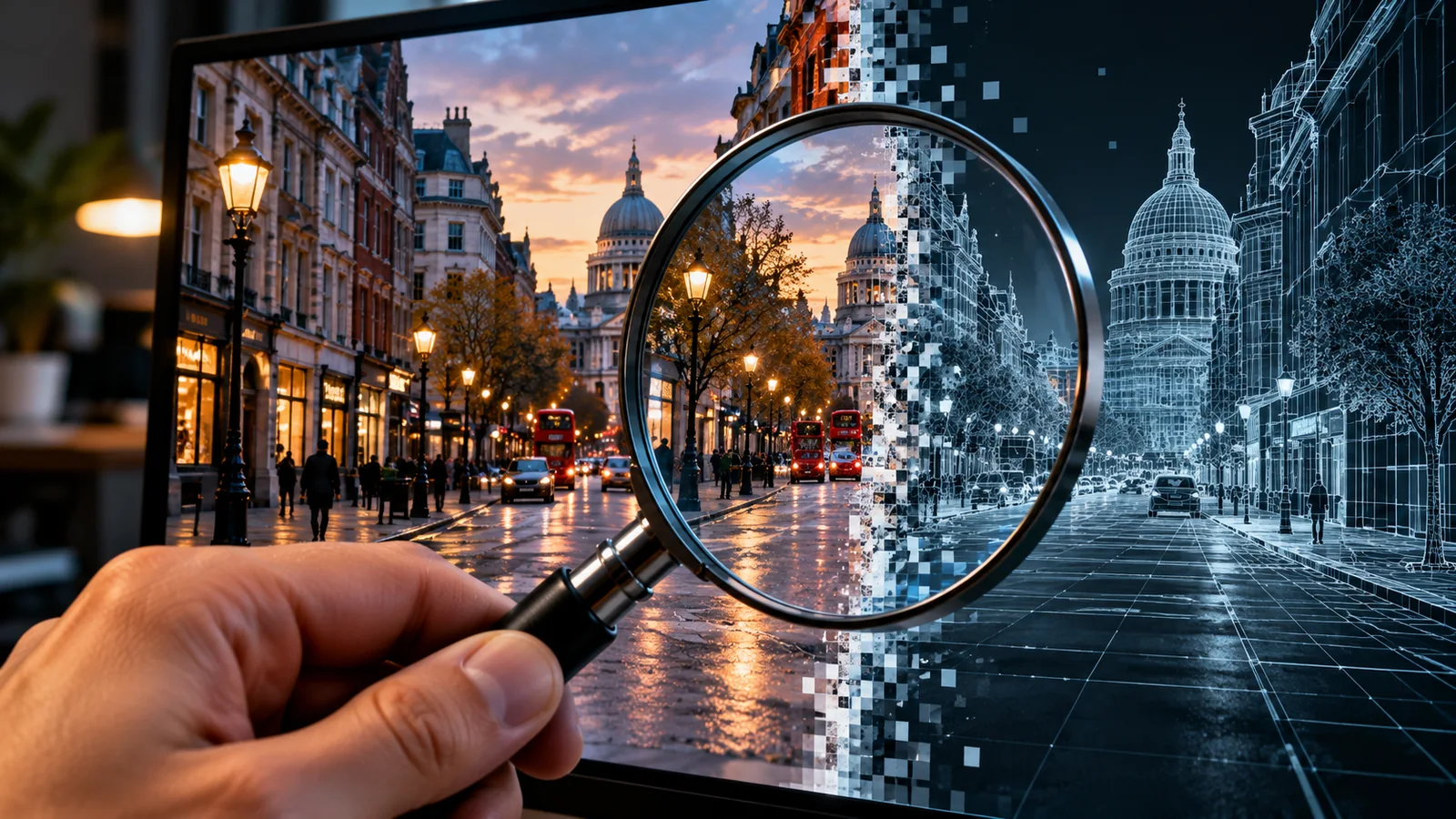
A photograph of a dramatic event arrives in your group chat. A video appears to show a public official making a shocking statement. Both look convincing. How can you tell whether either is AI-generated? The most useful answer is not to search for an extra finger or trust a percentage from an AI detector. It is to investigate the media’s origin, context and independent corroboration. This guide gives you a repeatable workflow that works for ordinary readers, journalists, teachers and anyone deciding whether to share a viral post.
Important distinction: “AI-generated” is not the same as “false.” A genuine photograph can carry a fabricated caption, while a clearly labeled AI illustration can be perfectly legitimate. Your first task is to verify the claim being made, not merely classify the pixels.
A practical 10-minute verification workflow
1. Freeze the claim before examining the image
Write down exactly what the post claims: who, what, where, when and the supposed source. Separate what you can actually see or hear from what the caption asserts. A photograph of a flooded road does not establish which city it depicts or the date. A clipped speech video does not establish the speaker’s full meaning.
2. Find the earliest available source
Open the account that posted it. Look for an original upload, a linked report, the photographer’s portfolio, the organization’s newsroom or a longer version. Search the quoted wording and distinctive location details. Beware of repost networks: many copies of one unverified upload do not become independent witnesses.
3. Run reverse-image searches
Use Google Lens or TinEye with the image or a screenshot. Search the full frame and cropped landmarks separately. Older matches can reveal that a real photograph has been recycled with a new date, or that a purportedly new image predates the event. No match is inconclusive: new and private media may not yet be indexed.
4. Verify location, timing and conditions
Compare signs, road markings, buildings, vegetation, transit vehicles and landscape with reliable maps or local reporting. Check whether weather, daylight and shadows are plausible for the claimed time, but avoid treating any one cue as definitive. For breaking news, seek independent reporting or statements from relevant public agencies. If a claim is consequential, wait for confirmation rather than guessing.
5. Inspect provenance information where available
Some files carry Content Credentials, based on the C2PA standard, that can provide signed information about how media was created or edited. Try Content Credentials Verify using the original file when available. Read the signer and recorded actions, not just whether a badge appears. A valid credential is evidence about recorded provenance, not proof that the depicted scene is truthful. Missing credentials do not mean the file was AI-generated; social platforms, screenshots and edits can remove metadata. See the C2PA technical specification and its explanation of provenance limits.
6. Cross-check independent evidence
For a claimed public event, look for additional angles, credible eyewitness accounts, local news coverage, official announcements or live records. Independence matters more than quantity: ten accounts embedding the same video are still one source. Keep an evidence log with URLs, timestamps, screenshots and what each source actually supports.
7. State a confidence level, not a verdict you cannot prove
Use clear outcomes such as verified origin, misleading context, credible but unconfirmed, or insufficient evidence. If you cannot verify the claim, say so. Avoid publicly accusing a real creator of fabricating media solely because it looks unusual.
What visual clues can—and cannot—tell you
Visual oddities can guide where to investigate, but they are weak standalone tests. Modern generative models can produce consistent hands, readable text and plausible reflections; ordinary cameras and compression can also produce strange-looking details.
| Clue | What it may suggest | Why it is not proof |
|---|---|---|
| Unusual hands or lettering | Potential synthesis or editing | Motion blur, distortion and real-world typography can look odd |
| Inconsistent reflections or shadows | A compositing or rendering issue | Multiple light sources and camera angles complicate interpretation |
| Waxy skin or overly smooth textures | Heavy processing or generated content | Beauty filters and aggressive noise reduction create similar effects |
| Unnatural motion or lip sync | Possible face/voice manipulation | Network glitches, dubbing and low frame rate also cause mismatch |
| No camera metadata | Unknown provenance | Messaging apps and social networks routinely strip metadata |
How to verify a suspicious video
Videos require additional checks because audio, motion and editing can mislead even when individual frames look ordinary.
- Find the uncut recording. Search for the full speech, livestream, interview or broadcast from the original publisher.
- Extract representative frames. Pause at distinct scenes and reverse-search screenshots; for a public-facing workflow, the InVID verification tools can help examine keyframes.
- Check continuity. Look for sudden scene changes, inconsistent backgrounds and audio that does not match the setting. These are prompts to investigate, not proof.
- Listen to the entire statement. A genuine clip can be misleading through omission, misleading subtitles or rearranged sentences.
- Verify the speaker and event. Consult official channels, event transcripts and independent reporting before sharing accusations.
What about AI detectors?
Automated AI-image and deepfake detectors may provide a clue, but their performance depends on the model, media type, compression, editing and the examples used in evaluation. A “92% AI” score is not a universal 92% probability that the content is synthetic. The tool may be expressing an internal classification score that is poorly calibrated outside its test set. Treat such output as one investigative lead, never the deciding evidence.
Be especially careful with photos of real people, politically sensitive clips and allegations of wrongdoing. A false positive can damage someone’s reputation; a false negative can allow a deceptive clip to spread. If the media is sensitive or private, uploading it to a third-party detector may create a separate privacy risk. Check the service’s retention policy first.
A better evidence ladder
| Evidence | Typical value | Important limitation |
|---|---|---|
| Original recording from a verified publisher | Strong source attribution | A trusted source can still publish misleading context |
| Multiple independent contemporaneous records | Strong corroboration | Sources must be genuinely independent |
| Valid signed Content Credentials | Useful creation/edit history | Cannot certify the real-world truth of the scene |
| Reverse-search match with earlier publication | Strong clue to recycled context | Does not alone establish whether pixels are synthetic |
| Visual artifacts | Weak investigative clue | Also occur in authentic or edited media |
| Detector percentage | Weak-to-variable supporting signal | Scores are not universal probabilities |
Three worked examples you can repeat
Example A: A viral disaster photo
Imagine a post claiming that an airport flooded “this morning.” First search the image, then crop any signs or distinctive roof shapes. Compare matches with local airport statements and recent weather reporting. If the image first appeared years ago in another country, you have established misleading context—even if the photo itself is completely genuine. Do not label it AI without separate evidence.
Example B: A politician apparently endorses a product
Suppose a short video shows an elected official promoting an investment app. Search the exact quote, locate the original event and compare the full-length recording. Check whether the account is an official channel, whether the clip appears in reputable reporting and whether the linked product site is impersonating a brand. If no original exists, the correct status may be “unverified,” not automatically “deepfake.” Never click payment links while investigating.
Example C: A flawless portrait with a suspicious caption
A portrait shows no obvious anatomical errors. That does not establish that it is a photograph of a real person. Check the account history, earliest publication, photographer credits, original file provenance and whether the purported subject has a traceable identity. If nothing independently confirms the claim, report that uncertainty instead of relying on how realistic the face looks.
A 60-second checklist before you repost
- Can I name the original publisher or creator?
- Does the date and location match the caption?
- Can I find an earlier copy or a longer original video?
- Is there corroboration independent of the first uploader?
- Do available Content Credentials actually identify a credible signer and actions?
- Am I confusing “unverified” with “AI-generated”?
- Could reposting this cause financial, reputational or safety harm?
When the stakes are high
For emergencies, public-health claims, elections, financial requests and allegations against identifiable people, use a higher evidence threshold. Consult primary institutions, established newsrooms and professional fact-checkers. Preserve the original URL and file if safe to do so; avoid editing evidence or circulating personal information. If someone asks you to transfer money based on a voice or video message, confirm the request using a previously known phone number or another trusted channel.
Sources and further reading
- C2PA: Content Credentials technical specification — what signed provenance can validate.
- C2PA explainer — why provenance is not proof of truth.
- Content Credentials Verify — inspect supported files.
- Google Lens and TinEye — search for prior image appearances.
- InVID verification tools — frame-based video investigation.
Bottom line: the most reliable everyday approach is source tracing plus independent corroboration. Visual clues and detectors can direct your attention, but neither can replace evidence about where media came from and whether the claim around it is accurate.
You may also like
 Technology & How-To
 USB Works on PC but Not on TV? How to Find the Cause
Diagnose a USB drive that works on a computer but not a TV. Separate detection, missing files and…
 Technology & How-To
 WhatsApp “Waiting for This Message”: Fixes for iPhone, Android and Web
Fix WhatsApp’s waiting-message notice by comparing your phone and linked devices, checking updates and protecting existing chat data.
 Technology & How-To
 WhatsApp iOS 15.5 Requirement: What Changes on November 30, 2026?
WhatsApp raises its iPhone minimum to iOS 15.5 on November 30, 2026. Check your version, older iPhone eligibility…