
How to Correct a Mistake on Your UK eVisa: Official Steps
Practical official guide to correct UK eVisa error: troubleshooting steps, GOV.UK links, required details and safe ways to get help.
Contents
- Introduction
- First identify the type of mistake
- How to report an eVisa error
- What happens after you report it
- How to update a passport or contact detail
- Changing your name, date of birth or nationality
- Wrong immigration status versus wrong account information
- What to do before international travel
- Keep evidence and avoid duplicate reports
- Understand the difference between your account and your immigration status
- Prepare before troubleshooting
- A safe way to document the problem
- If you are travelling soon
- How to get official help
- Privacy and accessibility
- Official government sources
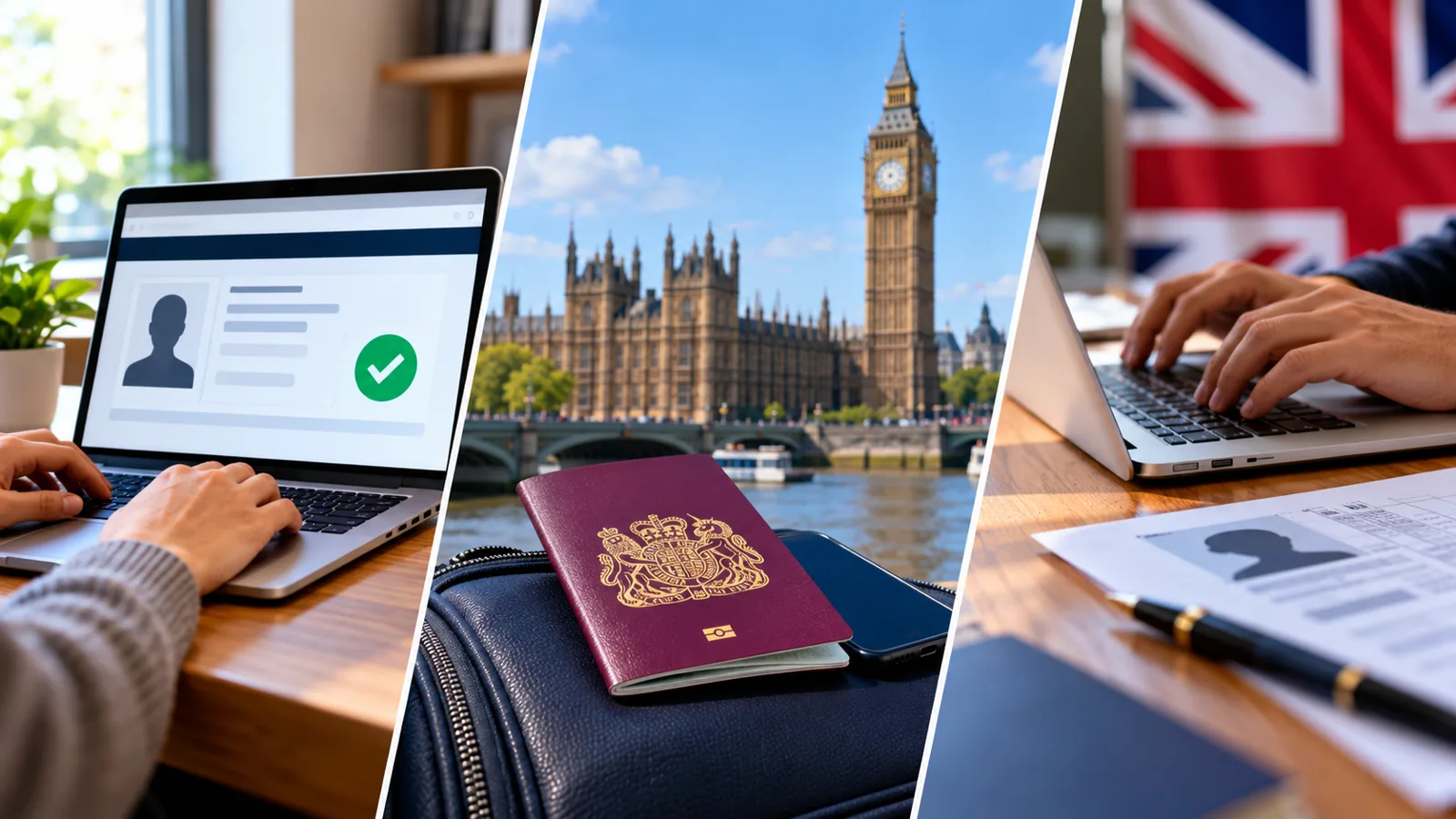
Introduction
If you are searching for “correct UK eVisa error”, the first step is to identify exactly where the process breaks. UK immigration status is now commonly accessed through an online UKVI account and eVisa. This guide explains the official routes, what documents you may need, how to avoid confusing an account problem with a visa-record error, and how to escalate a problem safely. Information is based on GOV.UK guidance checked in October 2026; online service screens may change.
First identify the type of mistake
A wrong immigration status, incorrect date of birth on the eVisa, or a technical failure to view the record generally belongs in the eVisa error-reporting service. A changed passport, address, phone, email, name, or photo usually belongs in the UKVI account-update service. These routes are not interchangeable, so choose the one that matches what is actually wrong.
How to report an eVisa error
Open the official GOV.UK Report an error with your eVisa page. Prepare your name, date of birth, nationality, contact address, and one of the accepted identifiers: passport number, expired BRP number, GWF number, UAN, or UKVI customer number. If reporting a wrong name, birth date, or nationality, GOV.UK says to provide the details as currently shown on the eVisa. Follow the form instructions and keep the acknowledgement.
What happens after you report it
UKVI says it aims to resolve most reported eVisa issues within five working days; complex cases may take up to 15 working days. These are aims, not guaranteed deadlines. UKVI says it will email if resolution is likely to take longer than 15 days or more information is needed. Monitor your registered contact details and reply to genuine official requests.
How to update a passport or contact detail
Use the GOV.UK Update your details in your UKVI account service if your passport, travel document, email, phone, address, or other listed account information has changed. You need the identity information used to sign in and access to your registered verification method. Updating account details does not change the conditions or outcome of an immigration application.
Changing your name, date of birth or nationality
GOV.UK says changes to these identity details may require an identity document that proves the change. If you do not have such a document, a different official route may apply. You cannot change your name or passport/travel document through the usual account update route while waiting for a visa application decision. Read the relevant restrictions before submitting.
Wrong immigration status versus wrong account information
If the eVisa says you have a different type of permission, expiry date, or condition than the decision you were given, report the eVisa error and retain your official decision evidence. If an employer, bank, or department received the wrong status and this prevented access to work or services, GOV.UK has a separate Home Office status-check route. Do not assume a simple profile update will correct the immigration decision.
What to do before international travel
Check your passport and eVisa match and your account includes the document you will use to travel. A carrier may delay or refuse boarding when details do not match. If the discrepancy cannot be fixed before your journey, seek UKVI help through official channels and follow the published travel guidance rather than relying on an unverified workaround.
Keep evidence and avoid duplicate reports
Keep your decision letter, current identity document, the exact incorrect field, and any acknowledgement number. Explain the discrepancy clearly and factually. Avoid submitting conflicting information or multiple different versions of the same request without instructions. Do not upload private identity documents to unverified services.
Understand the difference between your account and your immigration status
A UKVI account is the secure sign-in used to access your digital immigration record. Your eVisa is the digital record of your immigration permission and conditions. A share code lets a third party check selected information for a particular purpose. Fixing a sign-in problem does not change your underlying immigration permission; likewise, updating a passport in the account does not amend the visa decision itself.
Prepare before troubleshooting
Have the passport or other identity document linked to your UKVI account, your date of birth, and access to your registered email or phone. If available, keep your UKVI customer number, application reference, and any official correspondence nearby. Do not send your password, one-time code, or scans of identity documents to people offering help on social media.
A safe way to document the problem
Record the exact error message, the service you were using, the approximate time, and whether the problem appeared before or after sign-in. Keep screenshots only if they do not expose a share code or sensitive personal data. This helps you explain the issue to official support without guessing what happened.
If you are travelling soon
Check your current passport is linked to your UKVI account and that your eVisa displays the correct status before travelling. The Home Office warns that incorrect details can lead to delays or boarding difficulties. Follow the official travel guidance and seek UKVI assistance promptly if your journey is close; do not assume a screenshot or an old passport will resolve every issue.
How to get official help
Start with the GOV.UK page for your specific issue. Use the account-recovery route for lost sign-in access, the eVisa error-reporting service for wrong digital status or technical display failures, and the account-update service for changed contact or passport details. UKVI webchat and official support videos are linked from these pages. Never pay a third-party website to generate a share code.
Privacy and accessibility
A share code is not a password, but it grants limited access to personal immigration information when combined with your date of birth. Give it only to the person or organisation that needs it. Someone you trust may assist you with official services, but account details should remain under your control. GOV.UK also explains ways to help people who cannot use the internet independently.
Official government sources
The following primary sources explain the services and their limits. Use these government links directly rather than paid intermediaries.
You may also like
 Technology & How-To
 USB Works on PC but Not on TV? How to Find the Cause
Diagnose a USB drive that works on a computer but not a TV. Separate detection, missing files and…
 Technology & How-To
 WhatsApp “Waiting for This Message”: Fixes for iPhone, Android and Web
Fix WhatsApp’s waiting-message notice by comparing your phone and linked devices, checking updates and protecting existing chat data.
 Technology & How-To
 WhatsApp iOS 15.5 Requirement: What Changes on November 30, 2026?
WhatsApp raises its iPhone minimum to iOS 15.5 on November 30, 2026. Check your version, older iPhone eligibility…