
How to Check If Your Phone Supports Satellite Emergency SOS: Devices, Countries and Steps
Check supported phones, countries and satellite emergency steps.
Contents
- What Satellite Emergency SOS Actually Does
- Check Compatibility Before You Travel
- iPhone: Supported Devices and Regions
- How to Check on an iPhone
- Google Pixel: Satellite SOS
- Samsung Galaxy: Why Model Alone Is Not Enough
- Emergency SOS vs Satellite Messaging vs Location Sharing
- Does It Work in Egypt or Saudi Arabia?
- United States and United Kingdom
- What You Need for a Successful Satellite Connection
- What If the Satellite Option Does Not Appear?
- Prepare for a Remote Trip
- Important Safety Limits
- Conclusion
- Official Sources
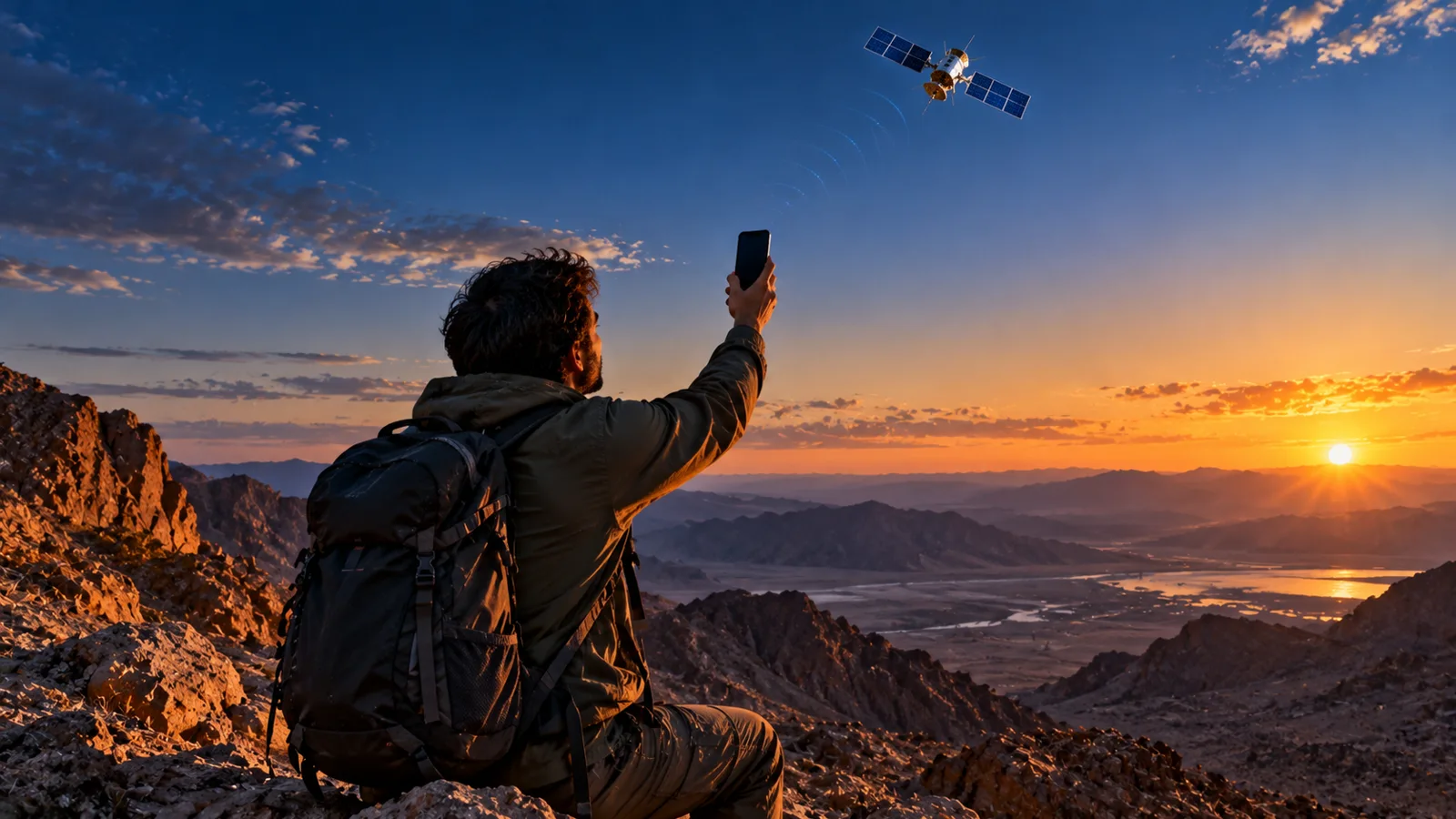
What Satellite Emergency SOS Actually Does
Satellite emergency services let certain smartphones exchange short emergency messages through satellite networks when ordinary cellular and Wi-Fi service cannot be reached. This is not the same as ordinary mobile coverage, unrestricted satellite internet, or guaranteed global emergency access. The phone, operating system, country, and sometimes mobile carrier must all be supported.
Check Compatibility Before You Travel
- Identify the exact model in Settings > General > About on iPhone, or Settings > About phone on Android.
- Check the manufacturer’s current supported-device list and your installed operating-system version.
- Check the official country availability list for the destination, not merely the country where the phone was purchased.
- For carrier-dependent Android features, verify your plan and network operator’s satellite support.
- Where available, open the manufacturer’s built-in satellite demonstration before traveling; never initiate a real emergency call as a test.
iPhone: Supported Devices and Regions
Apple lists Emergency SOS via satellite for iPhone 14 and later models, subject to country, model-origin and software restrictions. Apple’s published service regions include the United States, Canada, United Kingdom, Australia, New Zealand, Japan, Mexico and a number of European countries. Check Apple’s live list before travel: regional approvals change.
How to Check on an iPhone
- Open Settings > General > About and confirm your iPhone model.
- Update iOS to a version supported in the country you will visit.
- Open Settings > Emergency SOS and look for the satellite demo where available.
- Go outside with a clear view of the sky to practice the demo; it does not contact emergency services.
In a real emergency, first attempt the local emergency number. If the call cannot connect and the satellite feature is available, follow the Emergency Text via Satellite or Emergency Services prompts, answer the emergency questionnaire and follow the screen guidance to aim your phone. The phone may send location, battery level and other details. Do not assume the feature works indoors.
Google Pixel: Satellite SOS
Google says Satellite SOS is available on Pixel 9 and later Pixel phones, excluding Pixel 9a, in specified markets. Its published country list includes the US, Canada, UK and multiple European countries and Australia. Actual activation can depend on software, satellite coverage and local rules. In Settings, check the satellite service status and follow Google’s official instructions.
Samsung Galaxy: Why Model Alone Is Not Enough
Samsung supports satellite capabilities on selected Galaxy flagships and Galaxy A devices through participating operators. In the US, partnerships include T-Mobile and Verizon, while regional arrangements differ in Europe and Japan. Samsung’s announcement mentions Galaxy S26-series expansion, but not every S26 or older Galaxy handset can use every satellite service on every network. Confirm device, firmware, carrier and country together.
Emergency SOS vs Satellite Messaging vs Location Sharing
| Feature | Purpose | Key limitation |
|---|---|---|
| Emergency SOS | Request help from emergency responders | Only supported countries and devices |
| Satellite messaging | Exchange selected personal texts | May need eligible carrier or region |
| Satellite location sharing | Send location to contacts | Not a replacement for rescue dispatch |
| Satellite internet | Broader connectivity | Not implied by SOS support |
Does It Work in Egypt or Saudi Arabia?
As of the official lists checked in October 2026, Egypt and Saudi Arabia are not listed among Apple Emergency SOS via satellite or Google Pixel Satellite SOS supported regions. That does not prove no satellite-based carrier solution exists anywhere in either country; it means you must not assume these particular phone features will operate there. Check local telecom announcements and the exact service before relying on it.
United States and United Kingdom
Both the US and UK appear on Apple’s and Google’s published lists, subject to eligible phones, software and service conditions. Samsung availability is more carrier-dependent. Travelers should confirm whether a phone purchased abroad has regional restrictions and whether the feature is permitted at their destination.
What You Need for a Successful Satellite Connection
- Move outside to an open location with a clear view of the sky and horizon.
- Keep the phone charged and follow its on-screen pointing directions.
- Expect slower transmission than a normal mobile text; stay in place when safe.
- Trees, cliffs, roofs and tall buildings may block the signal.
- Send accurate location and incident details; follow responder instructions.
What If the Satellite Option Does Not Appear?
| Symptom | Likely explanation | Action |
|---|---|---|
| No satellite menu | Unsupported model, software or country | Verify exact eligibility on manufacturer site |
| Feature appears but cannot connect | Obstructed sky or activation issue | Move to clear sky; follow onscreen alignment |
| SOS works but ordinary texts do not | Different service eligibility | Check satellite messaging separately |
| Traveling abroad | Regional restrictions | Check destination and device-origin rules |
Prepare for a Remote Trip
- Download offline maps and share your route and return time with a trusted contact.
- Charge your phone and carry a power bank.
- Set up emergency contacts and Medical ID where supported.
- Check official weather and access restrictions.
- Consider a dedicated satellite messenger or personal locator beacon for high-risk expeditions.
Important Safety Limits
Satellite SOS is a backup, not a guarantee of rescue. Coverage, terrain, device damage, battery power, weather-related conditions, network capacity and regional regulation can affect service. Always call local emergency services normally if cellular connectivity is available. Do not test the emergency system by submitting a false incident.
Conclusion
To know whether your phone supports satellite emergency help, verify the exact model, software, destination country and any carrier requirement using official sources. Practice only through the provided demo. The strongest safety plan combines offline preparation, ordinary emergency calling and satellite connectivity where officially supported.
Official Sources
You may also like
 Technology & How-To
 NHS App Prescription Not Showing? Check GP Approval, Pharmacy Status and Tracking
Find out why a prescription or medicine is missing from the NHS App in England. Separate repeat requests,…
 Technology & How-To
 Google Wallet Not Working After Switching Phones? Fix Card Setup and Tap to Pay
Google Wallet transferred but tap to pay fails? Separate card verification, bank approval, NFC, screen lock and device…
 Technology & How-To
 iCloud Family Sharing Not Working? Why You Still See 5GB and How to Fix It
Still seeing 5GB after joining an iCloud family plan? Check the account, invitation, sharing settings, personal plan and…