
Galaxy S26 October 2026 Security Update Is Rolling Out — 62 Fixes and What You Should Do
Samsung’s October 2026 security update is rolling out to the Galaxy S26, S26+ and S26 Ultra with dozens of security fixes, including Critical vulnerabilities.
Contents
- Which Galaxy S26 models are getting the update?
- How big is the October update?
- Why does this security patch matter?
- What types of vulnerabilities are included?
- Are there Critical vulnerabilities?
- Should Galaxy S26 owners install it now?
- How to install the Galaxy S26 October update
- How to check the Android security patch level
- Why is the update not showing on my phone?
- Is this One UI 9.5?
- Will the update improve battery life or camera performance?
- Should you back up first?
- What if something breaks after the update?
- How does it compare with Google’s October Pixel update?
- Does Android Advanced Protection replace monthly updates?
- Frequently asked questions
- How many issues does the Galaxy S26 October update fix?
- Which phones are included?
- Where did the rollout start?
- Is this One UI 9.5?
- Should I install it immediately?
- Why is my download size different?
- The bottom line
- Sources
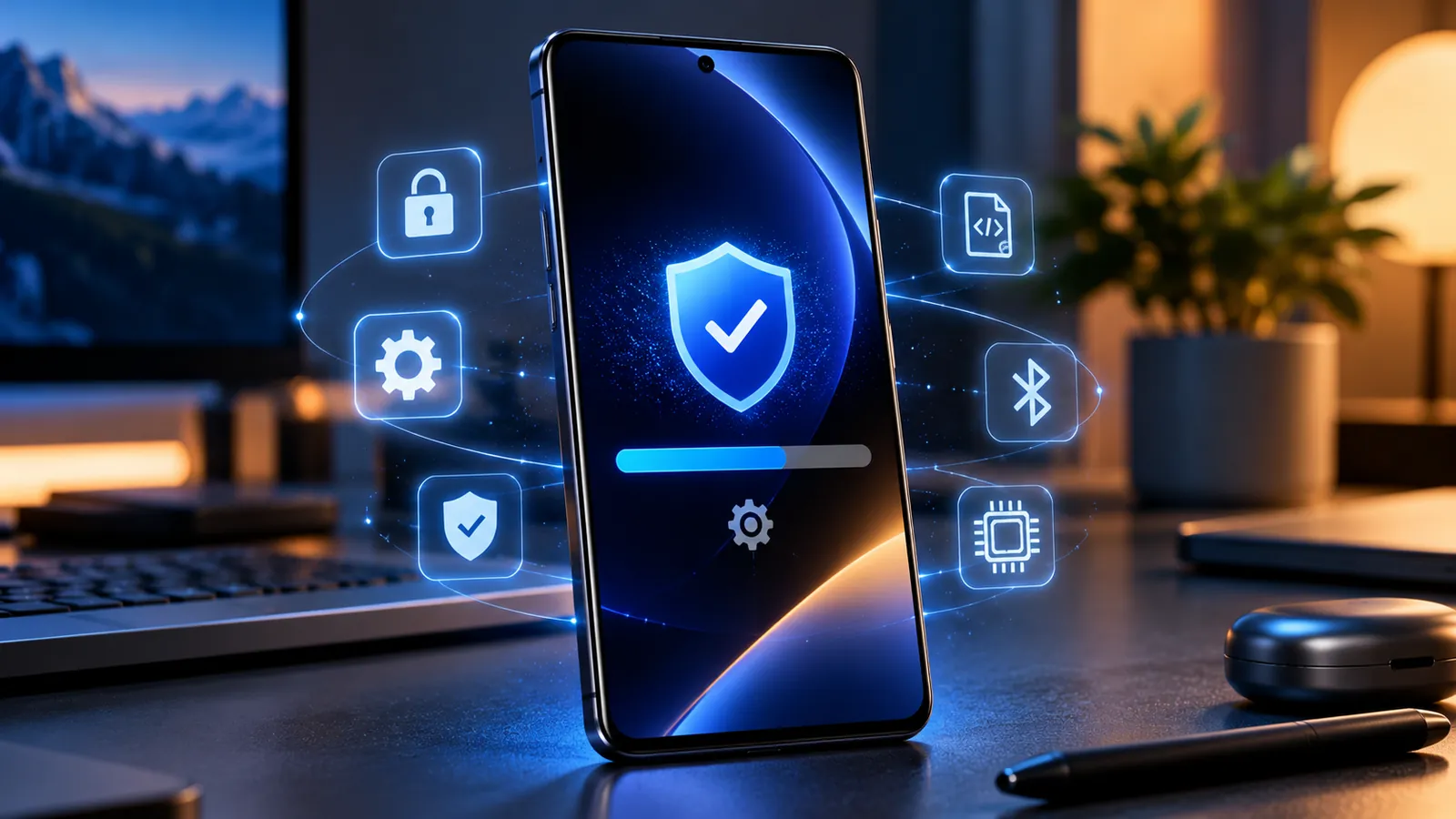
Last reviewed: October 11, 2026. Samsung has started rolling out the October 2026 security update to the Galaxy S26, Galaxy S26+ and Galaxy S26 Ultra. The update follows the stable One UI 9.0 release and focuses on security rather than a major new feature drop.
SamMobile reports that the Galaxy S26 series package fixes 62 security issues. Samsung’s official October Security Maintenance Release also lists a large set of Google Android patches, Samsung Semiconductor fixes and Samsung-specific SVE items, including multiple vulnerabilities rated Critical.
The rollout appears to have started in the United States and Canada and should expand to more regions in stages. Your phone may therefore receive the update later than another Galaxy S26 owner even if both devices are fully supported.
Which Galaxy S26 models are getting the update?
- Galaxy S26
- Galaxy S26+
- Galaxy S26 Ultra
Carrier timing, country and exact firmware build can differ because Samsung distributes monthly security updates in waves.
How big is the October update?
Update size varies by model and region. SamMobile reported that one factory-unlocked Galaxy S26 Ultra in the United States received a package of about 531.24 MB with firmware version S948U1UES4BZIG.
A different S26 variant can legitimately show another build number or download size, so do not use those figures as a strict requirement.
Why does this security patch matter?
Samsung’s monthly Security Maintenance Release combines fixes from Google’s Android Security Bulletin with Samsung-specific corrections.
The official October bulletin includes multiple Google CVEs rated Critical, high-severity Android issues, Samsung Semiconductor fixes and 27 Samsung Vulnerabilities and Exposures entries.
The number of items in the full bulletin can differ from the number reported for one phone because some fixes may already be present, may not apply to a particular model, or may come from different components.
What types of vulnerabilities are included?
- Elevation of privilege, where a process may gain permissions beyond what it should have.
- Out-of-bounds memory writes and other memory-safety bugs that can lead to crashes or code execution.
- Information disclosure issues that can expose data to a process that should not receive it.
- Improper input validation in Samsung components.
- Android system and framework vulnerabilities supplied through Google’s monthly Android patch program.
Samsung’s bulletin, for example, describes SVE-2026-1758 / CVE-2026-21114 as an out-of-bounds write in a Samsung media component that could allow a local attacker to execute arbitrary code. Samsung says proper input validation was added.
Are there Critical vulnerabilities?
Yes. Samsung’s official October SMR lists several Google patches rated Critical, along with many High-severity items.
A Critical rating does not mean your phone is definitely being attacked. It means the potential impact of successful exploitation is serious enough that delaying the patch unnecessarily is not a good idea.
Should Galaxy S26 owners install it now?
For most users, yes. This is a normal stable security update rather than a beta build.
If the update appears through Settings, installing it promptly is the sensible choice. Monthly security patches are designed to remove known weaknesses before they become more useful to attackers.
A short delay can still be reasonable if you are traveling, using the phone for a mission-critical task, or your employer manages update timing.
How to install the Galaxy S26 October update
- Connect to reliable Wi-Fi if possible.
- Make sure the phone has enough battery or connect it to a charger.
- Open Settings.
- Tap Software update.
- Choose Download and install.
- Allow the package to download and restart when prompted.
Samsung can also download update files automatically depending on your settings, but the new system build normally becomes active after a restart.
How to check the Android security patch level
- Open Settings.
- Go to About phone.
- Open Software information.
- Find Android security patch level.
After installation, the phone should show an October 2026 patch level appropriate for your rollout branch.
Why is the update not showing on my phone?
- Your carrier may still be validating the build.
- Samsung may not have reached your region in the staged rollout.
- Your exact model may use a different firmware branch.
- An older pending update may need to be installed first.
- The update wave may simply not have reached your device yet.
Restart the phone, check again later and make sure no older update is waiting. A delayed rollout does not automatically mean your phone has a problem.
Is this One UI 9.5?
No. This is an October security maintenance update following the stable One UI 9.0 release.
SamMobile notes that One UI 9.5 has appeared in early testing-related reports, but Samsung has not announced a public release date for it.
So the October patch should not be expected to bring a large interface redesign or every future One UI feature.
Will the update improve battery life or camera performance?
Samsung is presenting the package primarily as a security update, not a major battery or camera upgrade.
Small stability improvements can be included in monthly builds, but you should not expect a dramatic performance change unless Samsung publishes a model-specific changelog saying so.
Temporary battery usage can also rise briefly after installation while Android finishes background optimization.
Should you back up first?
Monthly security updates are designed to keep your apps, files and settings intact, but important data should always exist in another location.
If the phone is your primary work device, make sure photos, documents, authenticator recovery information and other irreplaceable data are backed up before any system update.
What if something breaks after the update?
- Restart the phone again.
- Update apps from Google Play and Galaxy Store.
- Check whether the problem is limited to one app.
- Clear the affected app’s cache if appropriate.
- Check Samsung Members or Samsung support for reports tied to the same build.
Avoid factory-resetting the device as a first response. Most post-update problems can be narrowed down without erasing the phone.
How does it compare with Google’s October Pixel update?
Both Samsung and Google are shipping important October security fixes, but each manufacturer also adds device-specific patches.
We recently covered Google’s release in Google Pixel October 2026 Update Fixes 3 Bugs and Critical Security Flaws.
The exact Pixel and Galaxy vulnerability lists differ, so the security status of one brand tells you nothing about whether another brand is fully patched.
Does Android Advanced Protection replace monthly updates?
No. Security modes and security patches solve different problems.
Android 17 Advanced Protection can reduce attack surface and lock down certain risky behaviors, but it cannot replace operating-system fixes. See Android 17 Advanced Protection Adds 6 Powerful Security Features.
Frequently asked questions
How many issues does the Galaxy S26 October update fix?
SamMobile reports 62 security issues for the Galaxy S26 series October package. Samsung’s official bulletin breaks the month’s work into Google Android patches, Samsung Semiconductor fixes and Samsung-specific SVE items.
Which phones are included?
Galaxy S26, Galaxy S26+ and Galaxy S26 Ultra.
Where did the rollout start?
Reports indicate the United States and Canada were among the first regions.
Is this One UI 9.5?
No. It is an October security update on top of One UI 9.0.
Should I install it immediately?
Most personal users should install it when offered. Briefly waiting is reasonable if you rely on the phone for critical work or must follow enterprise update policy.
Why is my download size different?
Package size varies by model, region, carrier and the updates already installed.
The bottom line
The Galaxy S26 October 2026 update is mainly about reducing security risk, not adding flashy features.
With dozens of vulnerabilities addressed and multiple Critical issues represented in Samsung’s October bulletin, installing the patch when it reaches your phone is the sensible move for most users.
If it has not appeared yet, the staged rollout is the most likely explanation.
Sources
Samsung Mobile Security — October 2026 Security Maintenance Release.
SamMobile — Galaxy S26 series gets October 2026 security update.
You may also like
 Technology & How-To
 Windows 11 Search Is Getting a Major Redesign — You Can Change Settings Directly From Search
Microsoft is testing a faster WinUI 3 Windows Search with inline actions that can change dark mode, Bluetooth,…
 Technology & How-To
 NVIDIA Is Ending Windows 10 Game Ready Driver Support — What GeForce Users Need to Know
NVIDIA says October 2026 is the final month for full Windows 10 Game Ready and Studio Drivers. Here’s…
 Technology & How-To
 Galaxy S24 Gets Android 17 / One UI 9 — New Features, Download Size and Rollout Status
Samsung has started rolling out stable One UI 9 based on Android 17 to the Galaxy S24 series,…