
Concrete & Cement Calculator Guide: How Much Concrete Do You Need?
A practical guide to calculating concrete volume for slabs, footings and circular columns, adding waste, and estimating cement, sand and aggregate without confusing quantity takeoff with structural design.
Contents
- The basic concrete volume formula
- How to calculate a circular column
- Should you add waste?
- Concrete volume is not the same as cement quantity
- How to use the free concrete calculator
- Worked slab example
- Worked footing example
- Common mistakes that make concrete estimates wrong
- How many cement bags are needed?
- Frequently asked questions
- Can I use a concrete calculator for structural design?
- Does ready-mix concrete still need a waste allowance?
- Can the same calculator estimate sand and aggregate?
- Sources
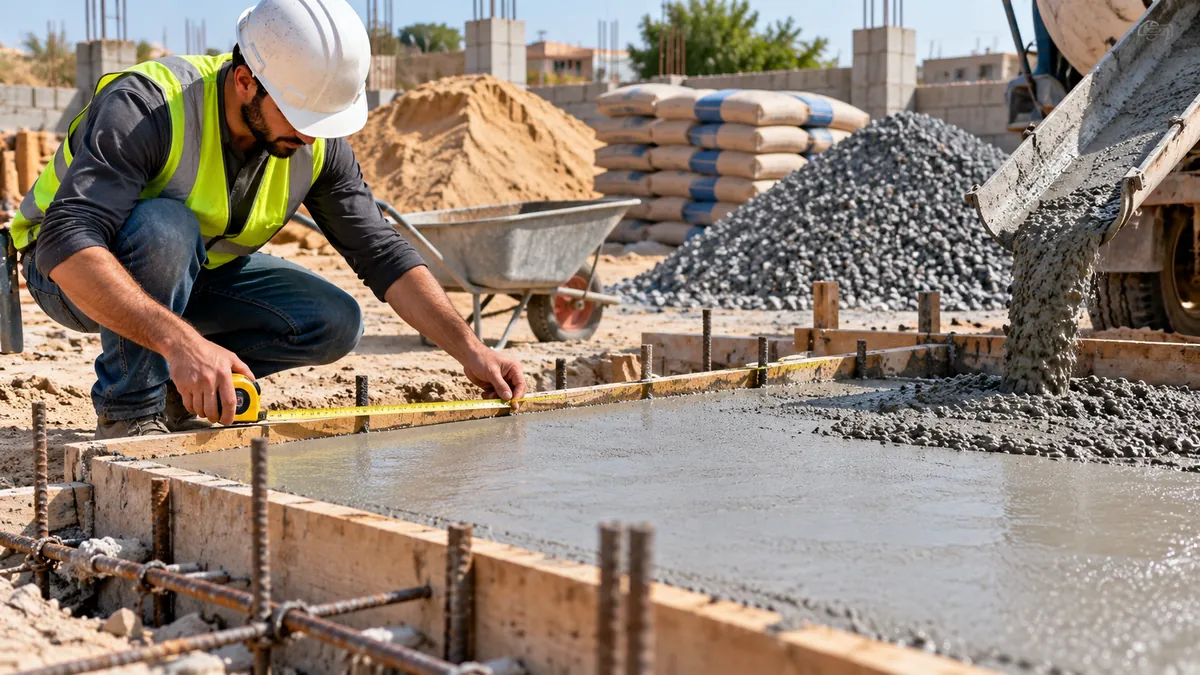
Before ordering concrete, the first question is usually simple: how much concrete do I actually need? The answer starts with volume, not with the number of cement bags. For basic slabs, footings and columns, you can estimate the required volume from dimensions and then add a sensible planning allowance for waste.
You can do the arithmetic manually or use the Horus Valley Concrete Calculator, which calculates concrete volume and can also provide planning estimates for cement, sand and aggregate.
The basic concrete volume formula
For a rectangular slab, footing or pad, multiply length × width × thickness. Keep all dimensions in the same unit. If you work in metres, the result is cubic metres.
Example: a slab that is 4 m long, 3 m wide and 0.15 m thick has a net volume of 1.8 m³ before any allowance: 4 × 3 × 0.15 = 1.8 m³.
How to calculate a circular column
For a circular column, calculate the cross-sectional area first: π × radius². Then multiply by the height. The radius is half the diameter. A calculator reduces the chance of mixing up diameter and radius.
Should you add waste?
A quantity takeoff often includes an allowance for practical losses, uneven subgrade, spillage and small dimensional differences. There is no single waste percentage that is correct for every project. Geometry, formwork, site conditions and supplier practice matter.
The Horus Valley calculator lets you enter your own waste percentage separately, so the net geometric volume stays visible instead of being hidden inside the final number.
Concrete volume is not the same as cement quantity
Concrete is a mixture. The amount of cement, fine aggregate, coarse aggregate, water and admixtures depends on the specified mix design. A simple nominal ratio can be useful for rough planning, but it should not replace an approved structural or concrete mix specification.
The American Concrete Institute’s guidance on proportioning normal-density concrete considers factors including workability, strength, durability and aggregate properties. That is why a site estimate and an engineering mix design are not the same task.
How to use the free concrete calculator
- Choose the shape: rectangular slab/footing or circular column.
- Enter the length, width and thickness, or diameter and height.
- Enter a waste allowance only if you want one included.
- Choose the nominal mix option if you want a rough material estimate.
- Review the net volume and the volume including waste.
- Use the cost fields only if you already know realistic local unit prices.
Worked slab example
Suppose a slab is 5 m × 4 m × 0.12 m. The net volume is 2.4 m³. If you choose a 5% planning allowance, the calculator adds 0.12 m³, giving 2.52 m³ as the planning quantity.
Worked footing example
For several identical footings, calculate one footing first and multiply by the quantity. Horus Valley also has a dedicated Foundation Calculator for isolated and strip footings.
Common mistakes that make concrete estimates wrong
- Entering centimetres as metres or mixing unit systems.
- Using slab area but forgetting slab thickness.
- Using diameter as radius in a circular calculation.
- Adding an arbitrary waste factor twice.
- Treating nominal cement/sand/aggregate estimates as an approved mix design.
- Ordering from the calculator without checking drawings, levels and site dimensions.
How many cement bags are needed?
That depends on the mix specification and bag size. A calculator can provide a rough planning estimate when a nominal mix is selected, but bag count should not be used to redesign concrete strength. Always follow the project’s specified concrete grade, supplier data and local engineering requirements.
Frequently asked questions
Can I use a concrete calculator for structural design?
No. A quantity calculator estimates volume and materials from dimensions you enter. It does not design slab thickness, reinforcement, footing size or concrete strength.
Does ready-mix concrete still need a waste allowance?
You may still need a planning allowance depending on site conditions and supplier practice. Confirm final ordering quantities with the project team and supplier.
Can the same calculator estimate sand and aggregate?
Yes, the Horus Valley tool can provide approximate material quantities for planning when you select a nominal mix, but these are not a substitute for the approved mix design.
Sources
You may also like
 Technology & How-To
 USB Works on PC but Not on TV? How to Find the Cause
Diagnose a USB drive that works on a computer but not a TV. Separate detection, missing files and…
 Technology & How-To
 WhatsApp “Waiting for This Message”: Fixes for iPhone, Android and Web
Fix WhatsApp’s waiting-message notice by comparing your phone and linked devices, checking updates and protecting existing chat data.
 Technology & How-To
 WhatsApp iOS 15.5 Requirement: What Changes on November 30, 2026?
WhatsApp raises its iPhone minimum to iOS 15.5 on November 30, 2026. Check your version, older iPhone eligibility…