
How to Find a Lost 401(k) in the US: Government Database Guide
Search the free US Department of Labor database for a lost 401(k). Get Login.gov steps and official alternatives for missing or terminated plans.
Contents
- Quick answer: which free search should you try?
- What the federal Retirement Savings Lost and Found actually covers
- Before you begin: what you need for Login.gov
- How to search for a lost 401(k) using the DOL database
- Step 1 — Open the genuine federal portal
- Step 2 — Sign in and complete identity proofing
- Step 3 — Re-enter your Social Security number and search
- Step 4 — Contact the plan administrator, not the search website, to establish your balance
- Step 5 — Record the outcome so you do not lose the account again
- If your old 401(k) does not appear in the federal search
- Alternative 1: use the DOL Abandoned Plan Search
- Alternative 2: search PBGC for unclaimed retirement benefits
- Alternative 3: search official state unclaimed-property records
- Troubleshooting: login problems, outdated addresses and missing records
- What if you find a plan but the administrator says nothing is owed?
- Security checklist before you search
Contents
- Quick answer: which free search should you try?
- What the federal Retirement Savings Lost and Found actually covers
- Before you begin: what you need for Login.gov
- How to search for a lost 401(k) using the DOL database
- Step 1 — Open the genuine federal portal
- Step 2 — Sign in and complete identity proofing
- Step 3 — Re-enter your Social Security number and search
- Step 4 — Contact the plan administrator, not the search website, to establish your balance
- Step 5 — Record the outcome so you do not lose the account again
- If your old 401(k) does not appear in the federal search
- Alternative 1: use the DOL Abandoned Plan Search
- Alternative 2: search PBGC for unclaimed retirement benefits
- Alternative 3: search official state unclaimed-property records
- Troubleshooting: login problems, outdated addresses and missing records
- What if you find a plan but the administrator says nothing is owed?
- Security checklist before you search

To find a lost 401(k) from an old job, start with the free U.S. Department of Labor Retirement Savings Lost and Found Database at lostandfound.dol.gov. Verify your identity through Login.gov, search for retirement plans associated with your Social Security number, and contact any plan administrator shown in the results. The database can help you find where a plan was administered; it does not automatically confirm that money is still owed to you or pay out an account.
If the government search shows nothing, that is not the end of the investigation. The best next steps depend on whether your former employer still operates, the plan was abandoned, the benefit was transferred to the Pension Benefit Guaranty Corporation (PBGC), or an uncashed payment reached a state unclaimed-property office. This guide follows the official government routes and explains their limits.
Quick answer: which free search should you try?
| Your situation | Best official starting point | What the search can establish |
|---|---|---|
| Old private-sector 401(k) or union retirement plan | DOL Retirement Savings Lost and Found | Plans associated with your verified identity and administrator contact details |
| Former employer disappeared and its plan may have been abandoned | DOL Abandoned Plan Search | Whether a plan was terminated by a qualified termination administrator |
| Plan ended and may have transferred missing benefits | PBGC unclaimed-benefit search | Potential match for funds held through PBGC |
| A check or financial asset may have gone to a state | Official state unclaimed-property search | Property recorded by participating state programs |
| Old IRA or federal-government retirement account | Contact the IRA custodian or relevant federal plan | The DOL Lost and Found is not designed to search these accounts |
All of the routes above begin with government agencies or official state-program links. They serve different purposes and should not be treated as interchangeable databases of every retirement account in America.
What the federal Retirement Savings Lost and Found actually covers
The Department of Labor established its Retirement Savings Lost and Found after the SECURE 2.0 Act of 2022. Its public portal searches reported private-sector employer and union retirement plans tied to a person’s Social Security number. Covered plan types include defined-contribution plans such as 401(k)s and traditional defined-benefit pensions. It is a locator, not a consolidated account dashboard.
The service does not search individual retirement accounts (IRAs), Social Security benefits, government-sponsored plans, or certain religious-organization plans. It also cannot search a deceased spouse’s record through your own account. The portal’s official FAQ states these exclusions explicitly.
A listing means the person was reported as participating in a plan at some point. The balance could have been rolled over, distributed, converted to an annuity, or otherwise resolved. Only the current plan administrator can establish whether a benefit remains due. The database also contains older records, including information based on Form 8955-SSA, so contact details may no longer reflect a merger or a change of administrator.
Before you begin: what you need for Login.gov
The federal portal requires an identity-proofed Login.gov account, even if you already have a basic Login.gov username. The portal currently describes the necessary details as your legal name, date of birth, Social Security number, access to a phone, and images of a valid U.S. state-issued ID or driver’s license. The exact verification questions appear within the secure government flow, not on the public information page.
- Your own Social Security number and legal name, as held in government records.
- A working email address and Login.gov sign-in method, plus a second authentication method.
- A current state-issued ID or U.S. driver’s license that the DOL-specific flow accepts.
- A phone number associated with you in verification records; the site explains that a non-VoIP landline may work if you have no mobile phone.
Important service-specific difference: Login.gov’s general identity-verification guide lists a U.S. passport and, for some agencies, in-person or mailed-address options. However, the DOL Lost and Found FAQ currently says a state-issued ID/driver’s license is required for this particular database; a passport or military ID alone will not grant access. It also says mail and Post Office verification cannot resolve the database’s phone-matching failure. Follow the narrower rules stated for the service you are trying to use.
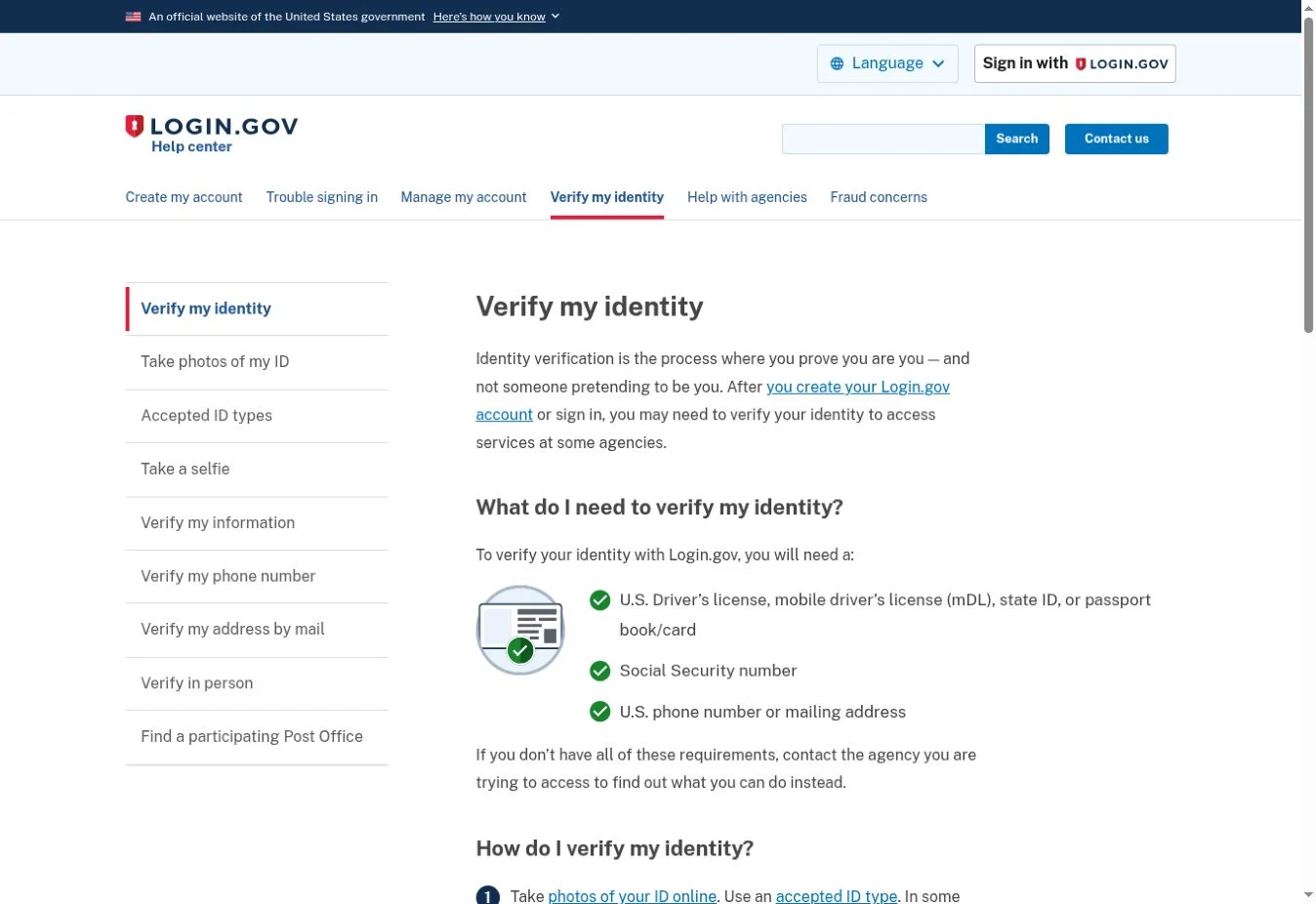
Official screenshot: Login.gov identity-verification guidance, captured 20 November 2026. This page describes general Login.gov options; the DOL portal may impose additional requirements.
How to search for a lost 401(k) using the DOL database
Step 1 — Open the genuine federal portal
Type https://lostandfound.dol.gov/ in the browser yourself. Its heading is Retirement Savings Lost and Found Database, operated by the Employee Benefits Security Administration (EBSA), an agency of the Department of Labor. Read its identity-verification notice before proceeding. The search is designed for an individual checking benefits associated with that individual’s own record.
Step 2 — Sign in and complete identity proofing
Select the portal’s start option and continue to Login.gov. Create an account if necessary or sign in to the one you already use. Complete any additional identity proofing requested for this Department of Labor service. A basic account for another government website is not automatically sufficient. If the portal directs you back to Login.gov for a stronger check, follow its prompts before attempting the retirement-plan search again.
Only submit your ID photos, Social Security number and security codes inside the genuine government sign-in flow. Never give a password, one-time code or backup authentication code to someone offering to search the portal on your behalf.
Step 3 — Re-enter your Social Security number and search
After identity verification, return to the DOL site. According to the Department of Labor’s published instructions, you re-enter your Social Security number to confirm it and select Search. The result page displays retirement plans linked to your record and the corresponding plan administrators’ contact information.
The results screen is personal and available only after secure sign-in. You should never expect an open public search by employer name or a screen that reveals balances without identity verification. Keep the plan name, former employer, any plan identifier and contact details for your own follow-up.
Step 4 — Contact the plan administrator, not the search website, to establish your balance
Ask the listed administrator to confirm whether you have a vested, unpaid benefit, whether the plan changed names, and whether funds were distributed or rolled over. If the administrator can identify an account, ask for the current recordkeeper, mailing address on file, statement history, and the secure procedure for updating your contact details. You may be asked to prove identity again directly to the plan.
You can use this short request when contacting the former plan administrator: “I previously worked for [employer] around [years]. The Department of Labor’s Retirement Savings Lost and Found identified your organization as a contact for the former retirement plan. Could you tell me how to verify whether I retain a vested benefit or where the account was transferred?” Avoid sending a full Social Security number in an ordinary email.
Step 5 — Record the outcome so you do not lose the account again
Make a private note of the administrator’s verified phone number, the plan or account reference, the date you contacted them, and any promised follow-up. If the old 401(k) was already moved, request the destination institution and approximate date of transfer. For any decision about withdrawing or moving retirement assets, review the plan rules and possible tax implications separately; merely locating an account is not the same as deciding what to do with it.
If your old 401(k) does not appear in the federal search
A no-match result does not prove that no retirement money exists. The portal covers reported records for qualifying plans; some records can be historical or missing. Try these checks in order, using the evidence you already have.
- Check old employment documents: W-2s, pay stubs, benefit-enrollment emails, old account statements, final-pay correspondence and 401(k) notices. Look for a plan name, employer identification number or recordkeeper.
- Contact former HR or payroll: Ask who managed the 401(k) during your employment and where participant accounts went after you left. If the company merged, ask the successor company.
- Search for an abandoned plan: Use the Department of Labor tool when the employer ceased operating or the plan appears to have been wound up.
- Check PBGC: Especially when a plan terminated and could have transferred unclaimed benefits for missing participants.
- Check states where you lived or worked: Look for uncashed checks or property transferred under state law, but do not assume the full 401(k) is held by the state.
- Ask EBSA for help finding the correct administrator: The advisers can guide you to a plan contact even though they cannot search your private DOL record.
Alternative 1: use the DOL Abandoned Plan Search
Open the Abandoned Plan Search. This is a separate, public Department of Labor tool for plans that a Qualified Termination Administrator (QTA) has terminated or is winding down. Search by plan name, former employer, location or QTA name. Its purpose is to identify the person or institution responsible for the terminated plan—not to search your Social Security number or reveal an account balance.
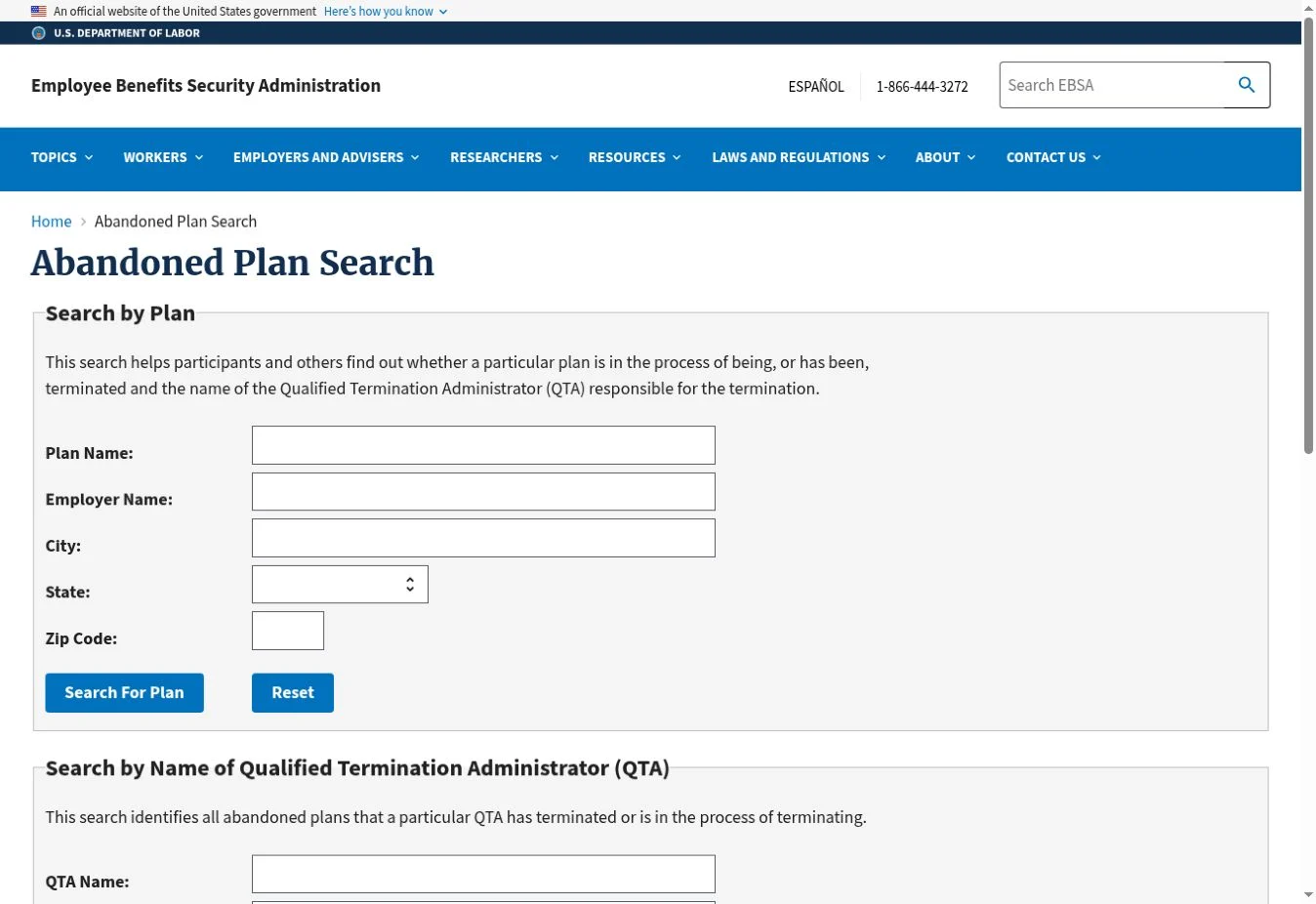
Official screenshot: U.S. Department of Labor Abandoned Plan Search, captured 20 November 2026. The public form accepts a plan name, employer name or location.
For example, suppose a restaurant chain closed years ago and the benefit statement still names the original employer. A search using the employer or plan name may identify the QTA responsible for terminating the plan. Contact the QTA using details verified through the official record and ask whether a retirement distribution or transfer was made for you.
Alternative 2: search PBGC for unclaimed retirement benefits
The Pension Benefit Guaranty Corporation’s unclaimed retirement benefits search covers certain benefits from terminated private-sector plans that were transferred to PBGC. It asks for your last name and the last four digits of your Social Security number for an initial match. PBGC says a match is only the first step, not proof of an amount owed; the agency must verify additional details before confirming entitlement.
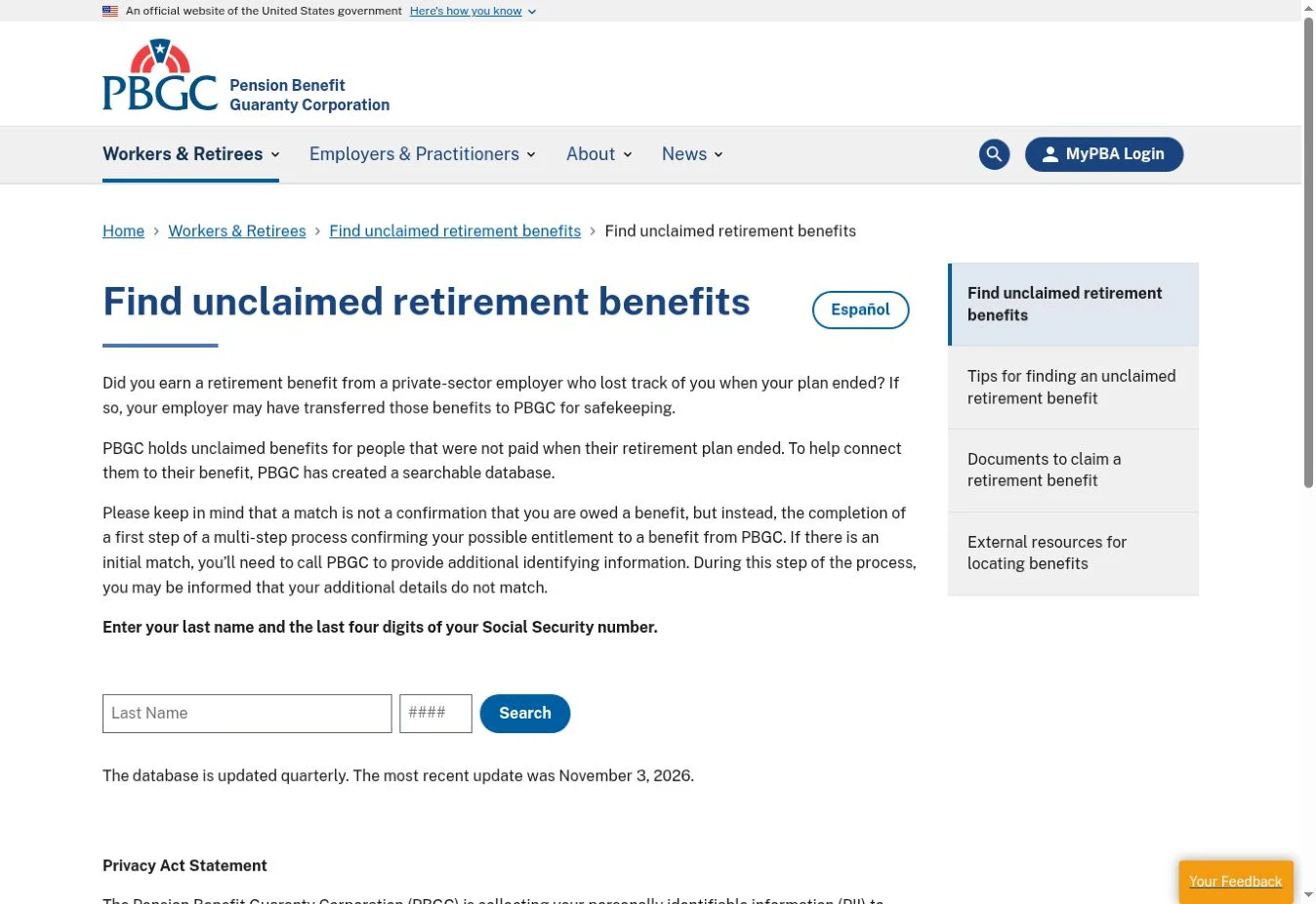
Official screenshot: PBGC Find unclaimed retirement benefits, captured 20 November 2026. The public search requests a last name and the final four Social Security digits.
PBGC’s Missing Participants Program includes certain terminated pension plans and some defined-contribution plans such as 401(k)s. If you are tracing a deceased family member’s potential benefit, PBGC explains that a surviving spouse or other relative can call 1-800-400-7242; the agency will verify identity and family relationship before discussing a claim. This is different from searching someone else’s SSN inside the DOL Lost and Found.
Alternative 3: search official state unclaimed-property records
An account-related check or other asset may have reached a state unclaimed-property program. The National Association of Unclaimed Property Administrators (NAUPA) state directory links to official state programs and explains how to search participating states through MissingMoney.com. Searching your state’s official government program is free; check states where you have lived or received correspondence, not only your current address.
A state match may represent a small uncashed retirement-plan payment or another type of property, rather than an untouched 401(k) account. Read the property description and complete the state’s ownership-verification process only through the genuine official state site.
Troubleshooting: login problems, outdated addresses and missing records
| Problem | Why it happens | Next step |
|---|---|---|
| Login.gov account exists but the portal requests verification | The DOL database requires identity proofing beyond ordinary sign-in | Complete the service-specific verification flow |
| You have a U.S. passport but no state ID | Generic Login.gov document options do not all apply to this DOL service | Contact old administrators; ask EBSA to help locate the plan |
| Phone number fails verification | The DOL portal checks a number associated with you in records | Follow the portal FAQ; if still blocked, contact the former plan or an EBSA adviser |
| Plan appears but the administrator number is wrong | Historical filing data may precede mergers or administrator changes | Use newer employer records, successor-company details and EBSA assistance |
| No plan is listed | The database is a locator, not a complete proof of all benefits | Contact former employers, then try the abandoned-plan, PBGC and state tools |
| A deceased spouse may have had a benefit | The DOL portal only allows searches tied to the signed-in individual | Contact spouse’s past employers/unions, EBSA or PBGC as appropriate |
| Someone offers to find it for a processing fee | The official starting searches are free and identity information is sensitive | Begin through .gov links and do not share credentials or one-time codes |
The DOL FAQ specifically notes that its information may include older Form 8955-SSA records. For a plan that changed trustees or ownership, checking the employer’s successor and the Department of Labor’s abandoned-plan information may be more useful than repeatedly calling an obsolete phone number.
For benefits questions, contact an EBSA Benefits Advisor online or at 1-866-444-3272. Advisers can help you locate an employer or administrator; they cannot search your private Lost and Found record on your behalf. The DOL portal lists RSLFSupport@dol.gov for technical issues with the database, while Login.gov provides separate help for its sign-in process.
What if you find a plan but the administrator says nothing is owed?
Ask for an explanation of the plan’s current records. A historical search result can reflect an account already paid, transferred to an IRA, rolled into a newer workplace plan, or used to purchase an annuity. Ask whether there is a distribution date, check number, receiving institution or unclaimed-benefit record. Save your correspondence, because those details identify the next organization to contact.
For an unresolved dispute over a benefit, EBSA can explain employee-benefit rights and how to approach the plan administrator. Keep the search-result evidence and any plan statements. Do not publish account numbers, Social Security numbers or complete identity documents in online forums to ask other people to investigate.
Security checklist before you search
- Use the official DOL domain and go directly from there to Login.gov for verification.
- Search only for your own record through the DOL portal; do not attempt to use another person’s account.
- Do not give anyone a Login.gov password, authentication-app code, backup code or one-time passcode.
- Do not pay a private company simply because it claims the free government database is unavailable.
- Independently confirm a plan administrator’s contact details before transmitting personal information.
- Record any result and pursue the follow-up with the plan administrator, PBGC or state agency that actually holds or manages the benefit.
Bottom line: The free Department of Labor search is the fastest first check for a lost private-sector 401(k), but it is a starting point, not a guarantee of missing money. Verify your identity, find the administrator, establish what happened to the account, and use the separate DOL, PBGC and state tools if the first search cannot resolve the trail.
You may also like
 Useful Information
Hotel Chocolat Recall UK: Batch Codes and Refund Steps
Check the UK Hotel Chocolat recall: affected Christmas box batch codes, best-before dates, purchase window and how to…
 Useful Information
Companies House Identity Verification: Requirements, Deadlines and Steps
Verify your identity for Companies House in the UK. Check director and PSC requirements, GOV.UK One Login steps,…
 Useful Information
How to Find Lost Workplace Pensions in the UK for Free
Find lost UK workplace pensions for free. Use the government Pension Tracing Service, track old employers and contact…