
Can QR Codes Be Dangerous? How to Spot Malicious Links Before Scanning
Can QR codes steal your information? Learn how quishing works, which URL warning signs matter and what to do after scanning a suspicious code.
Contents
- What can happen after scanning a malicious QR code?
- Five warning signs to check before tapping
- 1. The physical code looks pasted over another one
- 2. The destination domain is slightly wrong
- 3. The code appears in an unexpected urgent message
- 4. The page requests unusual secrets or permissions
- 5. A shortened address hides the final destination
- A safer step-by-step scanning routine
- Is HTTPS enough to prove the link is safe?
- What should you do if you already opened a suspicious code?
- If you only opened the page
- If you entered a password
- If you entered card or bank information
- If you shared a one-time verification code
- How businesses can protect customers
- Frequently asked questions
- Can a QR code install malware by itself?
- Are restaurant-menu QR codes safe?
- Can a QR code steal money directly?
- What is the safest QR scanner?
- Sources and further reading
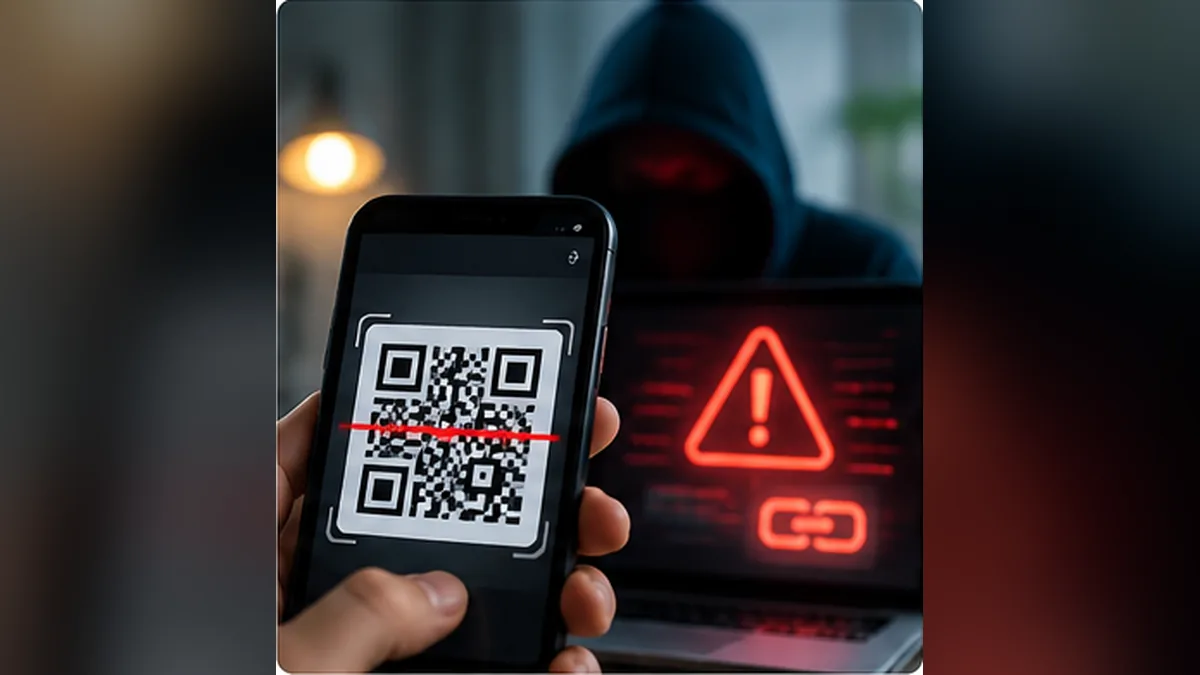
QR codes are convenient shortcuts to a menu, payment page, parking app, delivery tracking or Wi-Fi instructions. The pattern of black and white squares is not inherently malicious, but it can conceal a website address or other information you cannot read at a glance. When criminals use QR codes to lure people to fraudulent destinations, the scam is often called QR phishing or quishing.
The most useful rule is simple: scanning is not the same as trusting. Inspect what the code contains and decide whether to open it. Never assume that a neatly printed sticker, a message from an apparent delivery service or the presence of HTTPS proves a link is safe.
What can happen after scanning a malicious QR code?
A QR code can encode a URL, plain text, contact data or Wi-Fi connection details. Risk usually arises when a person acts on that information. A fraudulent link might open a fake bank sign-in form, a lookalike parking-payment site, a malicious file download or a page that asks you to grant permissions. Modern phones often display a preview of the address before opening it; use that opportunity.
Merely viewing a code with your camera is typically different from opening a site, installing an app or entering information. Security vulnerabilities can exist, so keeping software updated matters, but most everyday QR scams work by tricking the person—not by making the printed square magically infect a phone.
Five warning signs to check before tapping
1. The physical code looks pasted over another one
A sticker on top of a restaurant menu, parking sign or payment poster could redirect you away from the legitimate merchant. A replacement is not proof of fraud, but it is a reason to verify with staff or use an official app.
2. The destination domain is slightly wrong
Watch for misspellings, extra hyphens, unrelated domains and deceptive subdomains. In bank.example.com.scam-site.test, the site owner is scam-site.test, not bank.example.com. Focus on the actual registered domain rather than a familiar word anywhere in the address.
3. The code appears in an unexpected urgent message
A surprise delivery notice, overdue parking fine or urgent account-lock warning encourages you to act before thinking. Open the provider’s official app or manually enter its known address instead.
4. The page requests unusual secrets or permissions
A menu page should not require a banking password; a parking page should not need access to every photo on your phone. Be skeptical of pages that demand one-time codes, full payment-card details, recovery phrases or downloads unrelated to the stated purpose.
5. A shortened address hides the final destination
Short links are not automatically harmful, but they remove useful context. If you cannot verify the link’s origin, use an independent way to navigate to the service.
A safer step-by-step scanning routine
- Consider the source. Did you request this link? Does the printed sign or message make sense in context?
- Inspect the code or preview. Use a phone camera or trustworthy QR reader to display the encoded URL without automatically visiting it.
- Read the full domain carefully. Check spelling and the actual host before you open it.
- Choose an official route for sensitive actions. For banking, payments and account recovery, open the organization’s known app or manually visit its verified website.
- Stop when anything changes unexpectedly. Pop-ups demanding an app installation, a browser extension or sensitive information are reasons to leave.
If you have a screenshot of a QR code, the Horus QR Code Scanner can decode an image locally in your browser. Reading the embedded address is a helpful first step, not a security verdict about the website it leads to. You can also create a QR code for your own verified destination.
Is HTTPS enough to prove the link is safe?
No. HTTPS indicates that a connection is encrypted in transit and that the site presents a valid certificate for the domain. Criminals can also obtain HTTPS certificates for fraudulent domains. A padlock does not establish that a website represents a particular company.
What should you do if you already opened a suspicious code?
If you only opened the page
Close it, do not download anything, update your browser and phone, and avoid interacting with permission prompts. On a fully updated device, simply opening a phishing page does not automatically mean an account has been compromised. If an app unexpectedly installed, remove it and run the device’s trusted security checks.
If you entered a password
Go directly to the real service through a bookmarked or manually typed address. Change that password and any other account where you reused it, end unknown sessions if available and enable strong multifactor authentication or a passkey.
If you entered card or bank information
Contact your bank using the number on your card or official banking app. Ask about card replacement or transaction monitoring and dispute unauthorized charges promptly. Follow your institution’s fraud-reporting process.
If you shared a one-time verification code
Treat it as urgent because it might have enabled an account takeover. Recover the account through official channels and review linked devices and recovery settings.
How businesses can protect customers
Use a recognizable, official destination; keep printed signs under staff control; periodically inspect codes for overlays; and put a readable fallback URL next to any QR code. Do not require customers to install unknown apps for basic information. For payments, direct customers to official systems and provide alternative verification.
Frequently asked questions
Can a QR code install malware by itself?
A code typically contains data, not an installed application. The risk often comes from visiting an unsafe site, downloading software or exploiting an unpatched vulnerability. Keep devices updated.
Are restaurant-menu QR codes safe?
Many are legitimate, but verify suspicious stickers and domains. A QR menu should rarely need payment details or account credentials just to show food options.
Can a QR code steal money directly?
Not simply by appearing on screen. A fraudulent code may lead to a fake payment request or direct a payer to the wrong account, so carefully verify the payee before confirming a transaction.
What is the safest QR scanner?
Your phone’s built-in camera or a reputable app that previews the destination without opening it automatically is generally a sensible starting point.
Sources and further reading
QR codes are tools, not trust badges. A ten-second URL check is a much stronger defense than judging the appearance of the square itself.
You may also like
 Technology & How-To
How to Turn Lecture Recordings Into Study Notes With NotebookLM
Turn lecture audio into study notes with free Gemini Notebook (NotebookLM). Follow the upload steps, check transcript citations,…
 Technology & How-To
How to Use Google Lens to Find Products and Compare Prices
Find an item from a photo with Google Lens, check exact product matches and compare real checkout costs…
 Technology & How-To
Podcast Microphone Guide: USB vs XLR and Setup Tips
Choose a podcast microphone by room noise, connection type and recording style. Compare USB and XLR, see verified…