
Android October 2026 Security Update: Check Your Patch Level and Fix Missing Updates
Check the October 2026 Android security patch on Samsung, Pixel and other phones, understand patch dates and fix missing or failed updates.
Contents
- What Google actually fixed in October 2026
- The three dates that people commonly confuse
- How to check your actual Android security patch level
- Most Android phones
- Samsung Galaxy phones
- Google Pixel phones
- Motorola, OnePlus, Xiaomi and other Android brands
- What 2026-10-01 and 2026-10-05 mean
- Why the October update may be missing
- The rollout has not reached your exact device
- Your phone is on a different security schedule
- The update is available but download or installation fails
- How to decide whether to wait or take action now
- Google Play Protect is helpful, but not a substitute for OS patches
- Security patch levels are declarations, not a forensic scan
- A practical comparison: two phones updated on the same day
- Official sources and scope
- Bottom line
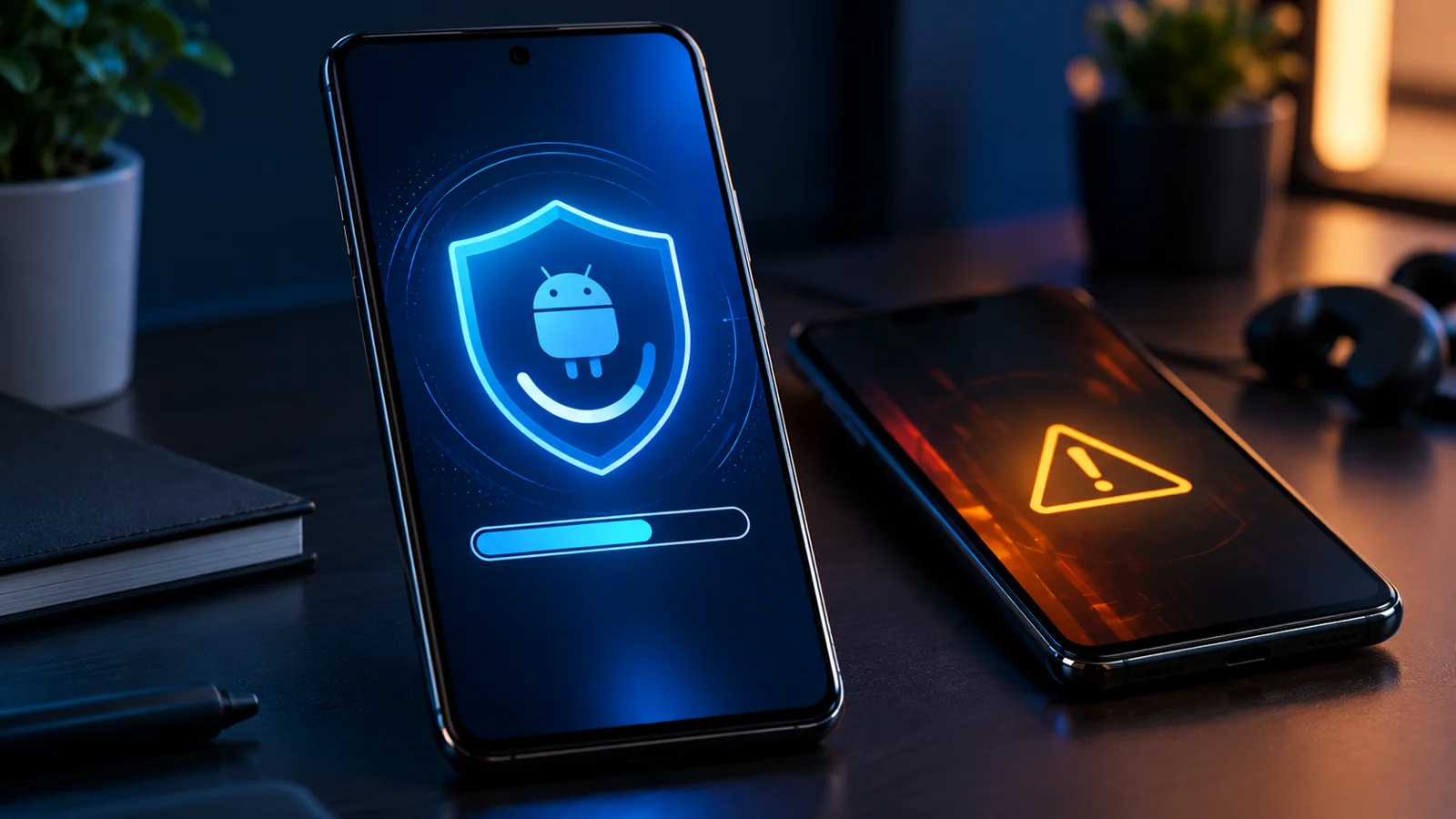
The October 2026 Android Security Bulletin was published October 5 and updated October 8. Google says Android security patch level 2026-10-01 or later addresses the issues assigned to that patch level. To check your own phone, open Settings → About phone → Android version (menu names vary) and read Android security update, not the date you downloaded the last update. Then check Settings → System → Software updates, or your manufacturer’s equivalent. A phone receiving a new update in October does not automatically have the October security patch.
This guide distinguishes Android OS security patches, Google Play system updates, manufacturer-specific fixes, and the separate Pixel bulletin. It explains what the official documents establish, how to interpret real-world version dates, and what to do when the October patch is unavailable. It does not claim that every Android model is affected by every CVE or that a delayed patch means your phone has been hacked.
What Google actually fixed in October 2026
The official Android Security Bulletin describes vulnerabilities in Android components and identifies a critical System issue that could permit local privilege escalation without extra execution privileges or user interaction under the stated conditions. It also identifies a critical Framework denial-of-service issue, CVE-2026-58865, and a high-severity Framework elevation-of-privilege issue, CVE-2026-55270. The severity of a vulnerability is not proof of active exploitation; the bulletin’s risk assumptions and platform mitigations matter.
The bulletin lists fixes for Android 14, 15, 16, 16-qpr2 and 17 where applicable. That list is not a promise that every phone on those versions receives an update simultaneously. Manufacturers integrate patches into device-specific firmware, and schedules vary by model, market, and carrier. Hong Kong Government CERT separately advised users to consult their device vendor for patch availability.
| Item | Official classification | Practical meaning |
|---|---|---|
| CVE-2026-58865 | Framework / critical / denial of service | An affected device may suffer disruption; not equivalent to data theft |
| CVE-2026-55270 | Framework / high / elevation of privilege | Could permit higher privileges under applicable conditions |
| System component issue | Critical / local privilege escalation | Google says no user interaction is needed under the described conditions |
| Google Play Mainline items | Telephonycore and Wi-Fi components | May be distributed through modular system-update channels on supported devices |
The three dates that people commonly confuse
An Android phone can show three different things: its Android version (such as Android 16 or 17), its Android security patch level (a date), and its Google Play system update (another date). These are related but not interchangeable. A newer Android major version does not by itself prove the latest security bulletin has been applied. Likewise, a Google Play system update cannot be assumed to contain all device firmware or kernel fixes.
| What you see | What it proves | What it does not prove |
|---|---|---|
| Android 17 | The installed platform major version | That October security fixes are installed |
| Android security update: October 1, 2026 | The vendor declares the 2026-10-01 patch level | That every vendor-specific issue or later patch is resolved |
| Google Play system update: October 2026 | The device reports a modular system update date | That the Android OS security patch date also changed |
| Software installed on October 21 | An update installation or release date | That its patch level is October 2026 |
For a concrete example, Samsung’s Galaxy S24+ release history lists a build released October 21, 2026 with security patch level 2026-09-05. That does not establish a mistake or a breach: it demonstrates why release date and patch date must be read separately. It also means readers should avoid declaring an October patch installed based solely on the date of an update notification.
How to check your actual Android security patch level
Most Android phones
- Open Settings.
- Choose About phone or About tablet, then Android version (some interfaces put it under Software information).
- Record Android security update, Google Play system update, and the Android version as three separate entries.
- Use the system update screen to check for updates and restart if prompted. Verify the patch level again after installation.
These are based on Google’s Android update instructions. Manufacturer menus can differ, so use Settings search for “security patch” or “software update” if necessary.
Samsung Galaxy phones
- Open Settings → About phone → Software information and read Android security patch level.
- Open Settings → Software update → Download and install to check for the newest available firmware.
- Compare the installed build and patch date with the release notes for your exact model and country/carrier.
- If a security update is absent, do not install a firmware file meant for a different model or region.
Samsung publishes security maintenance releases and states that availability can vary by device model and release schedule. Some Samsung devices are on monthly, quarterly, or other schedules; the schedule for one Galaxy phone should not be applied to all models.
Google Pixel phones
- Open Settings → About phone → Android version and read the Android security update date.
- Open Settings → System → Software updates and check the available update.
- Restart when the update process requires it, then confirm the patch date.
- Review the Pixel update bulletin for Pixel-specific fixes beyond the general Android bulletin.
For Pixel-specific October bug fixes, see our separate Google Pixel October 2026 update guide. The current article focuses on cross-brand patch verification and missing updates, avoiding a duplicate Pixel news story.
Motorola, OnePlus, Xiaomi and other Android brands
Start with the Android security update date in About phone and the manufacturer’s Software update page. Android UI labels differ, and some manufacturers use their own support or release-notes portals. Look up your exact model number, country, carrier variant and current build. Do not assume that a rollout reported for another country, model variant, or chipset applies to your handset.
What 2026-10-01 and 2026-10-05 mean
Android bulletins may provide two patch levels so manufacturers can deliver some common Android fixes sooner while completing broader device-specific fixes. The October bulletin explicitly states that 2026-10-01 addresses issues assigned to that level and earlier bulletins. The October Pixel listing separately reports a 2026-10-05 level. Do not treat 2026-10-01 as an automatic guarantee of every 2026-10-05 vendor or chipset fix. Always consult the bulletin and device vendor for the exact scope.
| Your situation | What to check | Recommended action |
|---|---|---|
| 2026-10-01 or later shown | Confirm exact model/vendor bulletin | Keep auto-updates enabled and check later releases |
| September patch shown; October update pending | Vendor rollout and support status | Check again later; apply any official update offered |
| New October firmware; September patch date | Release notes and security patch field | Do not mistake install date for patch level |
| Google Play updated; OS patch unchanged | Both date fields separately | Check the full OS update channel |
| No updates for months | Official device support schedule | Plan mitigations or supported replacement if support ended |
Why the October update may be missing
The rollout has not reached your exact device
A security bulletin is not the same as an over-the-air release for every device. Vendors must test firmware against hardware, carriers, and regional configurations. The fact that Pixel devices receive a particular patch early does not guarantee the same date for a Samsung, Motorola or Xiaomi phone. Consult the official manufacturer support pages for the exact model rather than relying on a generic “all Android phones” headline.
Your phone is on a different security schedule
Some phones receive monthly security releases, while others receive quarterly or less frequent updates within their published support commitments. Check the vendor’s current support listing and distinguish an expected quarterly cadence from a device that has reached end of support. Do not infer end of support from one missing monthly update.
The update is available but download or installation fails
- Connect to stable Wi-Fi, charge the battery adequately, and allow enough free storage for the download and installation. Google recommends at least 75% battery before updating.
- Restart the phone and retry the built-in update checker.
- If a download fails, let the phone retry or check again later; Google notes some failed downloads retry automatically.
- Check that the device is not managed by an employer or school that controls rollout timing.
- Use only the manufacturer’s official recovery or update method for your precise model; back up important data before major repair steps.
A failed download does not automatically mean a security problem. Conversely, installing an update from an unknown third-party firmware site can create new risks. Google’s troubleshooting guide covers insufficient storage, failed downloads, and activation after restart.
How to decide whether to wait or take action now
Use this practical triage. It is editorial guidance, not a measured probability model:
- Supported device, patch rolling out: check the official release schedule, keep Google Play Protect enabled, and install the official update as soon as offered.
- Supported device, unexplained delay: verify model and region, check the manufacturer’s support notices, and contact support with your build number and patch date.
- Device no longer supported: reduce exposure by avoiding untrusted APKs and unnecessary permissions, and plan a move to a supported device for sensitive use. These steps reduce risk but cannot replace missing OS patches.
- Possible compromise: unexpected account activity or malicious-app alerts deserve separate investigation; patch dates alone cannot diagnose compromise.
Google Play Protect is helpful, but not a substitute for OS patches
Google notes that Play Protect and newer Android security features can reduce exploitation likelihood. Keep Play Protect enabled, avoid sideloading untrusted applications, review app permissions, and maintain device backups. But app scanning cannot be treated as proof that a vulnerable kernel, firmware or Android framework component is fixed. If the vendor no longer issues security patches, an app-store update does not restore full device support.
Security patch levels are declarations, not a forensic scan
The security patch date is the vendor’s reported patch level for the build installed on your phone. It is the right starting point for an ordinary user, but it does not independently audit each binary, prove the absence of malicious software, or reveal all hardware-vendor fixes. For managed fleets, security teams should combine device inventory, official vendor release notes, update-compliance reporting and endpoint management rather than interpreting a single date in isolation.
A practical comparison: two phones updated on the same day
Imagine Phone A receives a software update on October 21 and shows Android security patch level 2026-10-01. Phone B receives an update the same day but still shows 2026-09-05. The install dates match, but their declared security patch levels do not. Phone B may have received a feature or stability release; it needs its own vendor release notes to establish which vulnerabilities were fixed. This is an illustrative example, not a test of two physical devices. The real Galaxy S24+ release record cited above demonstrates the distinction between release and patch dates.
Official sources and scope
The main primary sources are Android Security Bulletin — October 2026, Google Android update help, Samsung Mobile Security, Pixel update bulletins, and Government CERT Hong Kong’s October advisory. Google’s bulletin was published October 5 and updated October 8. This guide was prepared October 22, 2026. Vendor availability may change after publication. We did not run a device-lab test, verify every manufacturer’s current rollout, or measure Google Trends search volumes; those results are not implied here.
Bottom line
Check the Android security patch date shown on your own phone, not just the Android version or the day an update arrived. Install official updates promptly, read vendor-specific release notes, and treat Google Play system updates as a separate channel. If October’s patch has not arrived, confirm your model’s support and rollout status before assuming either that the phone is fully protected or that it has been compromised.
You may also like
 Technology
 Chrome and Android Certificate Security Issue: Are You Protected from the eMudhra Breach?
Google blocked compromised eMudhra certificate keys in Chrome and Android. Find out who is protected, which apps may…
 Technology
 Windows 11 Black Screen After Login: 12 Safe Fixes and the October 2026 Update
A step-by-step diagnostic guide for Windows 11 black screens after sign-in, including the October 2026 AVD/FSLogix fix and…
 Technology
 BeyondTrust Remote Support CVE-2026-102764: Patch Guide and Compromise Checklist
CVE-2026-102764 is an actively exploited critical BeyondTrust Remote Support flaw. Check affected versions, apply BT26-05-RS and assess historical…